
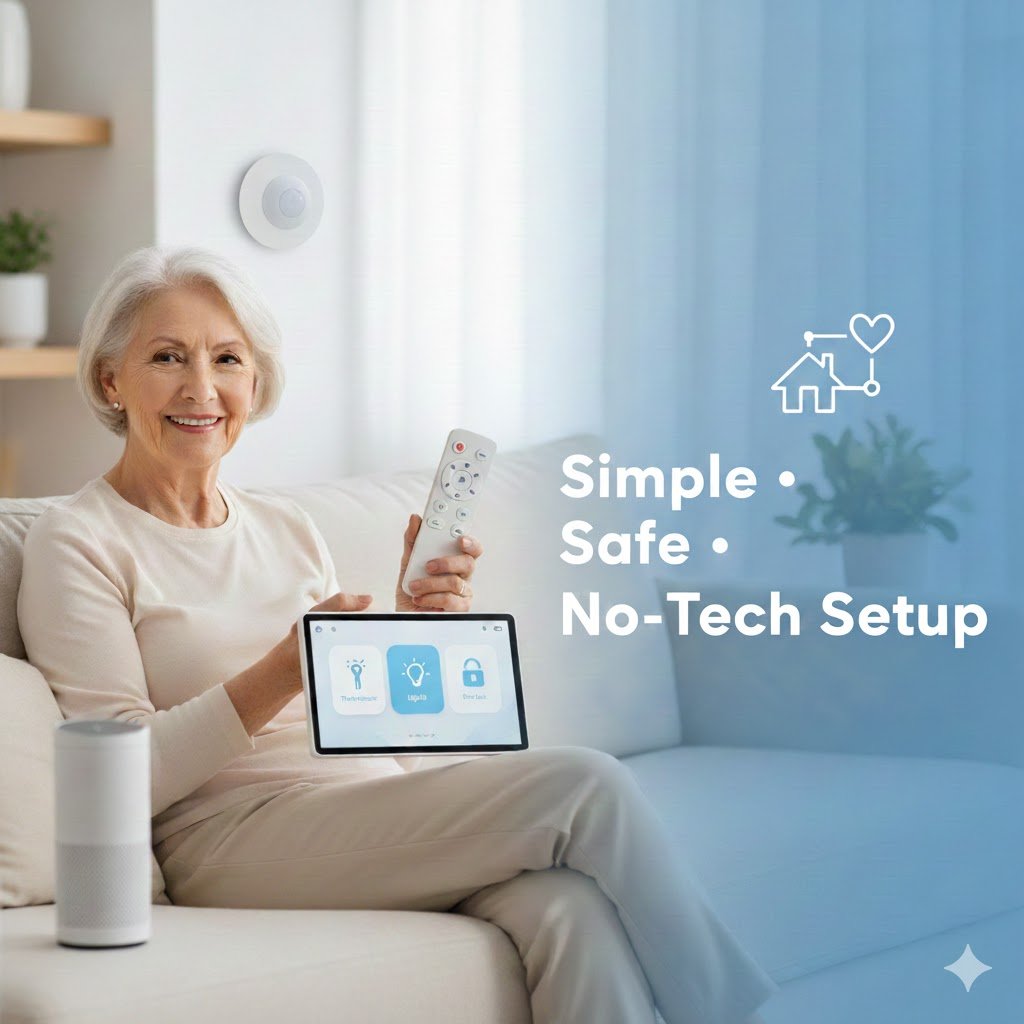
Living alone doesn’t mean giving up independence — but it does mean safety, simplicity, and peace of mind matter more than ever. Smart home devices for seniors living alone provide an easy way to stay safe, connected, and independent without needing advanced technical skills.
This guide covers the best smart home devices for seniors living alone that prioritize safety, simplicity, and peace of mind. For seniors living alone, smart home devices aren’t about flashy tech. They’re about staying safe, staying connected, and making daily life easier without complicated setup.
This guide covers the best smart home devices for seniors living alone that are:
- Easy to use
- Simple to install
- Caregiver-friendly
- No tech skills required
Best Smart Home Devices for Seniors Living Alone (Simple & Safe Picks)
| Device | Best For | Ease of Use | Key Feature | |
|---|---|---|---|---|
| Amazon Echo Show 8 | Hands-free communication | ★★★★★ | Voice + video calls | View on Amazon |
| Ring Indoor Cam | Home monitoring | ★★★★☆ | Motion alerts | View on Amazon |
| TP-Link Kasa Smart Plug | Remote control | ★★★★★ | App + voice control | View on Amazon |
| Google Nest Thermostat | Comfort & savings | ★★★★☆ | Auto scheduling | View on Amazon |
Are Alexa Devices Easy for Seniors to Use?
Alexa devices are designed to be simple and easy to use, even for beginners.
They allow seniors to:
- Use voice commands instead of buttons
- Control devices without moving around
- Access help quickly
Most Alexa features require minimal setup and can be customized for ease of use.
👉 Voice control makes Alexa one of the most senior-friendly smart home systems.
What If Voice Commands Don’t Work Properly?
Voice control is helpful, but it doesn’t always work perfectly.
Background noise, speech clarity, or accents can sometimes affect how well devices respond. For seniors, this can be frustrating if commands need to be repeated.
Choosing devices with simple commands and having backup options like apps or physical controls can make the experience more reliable.
Why Smart Home Devices Matter for Seniors Living Alone
When a senior lives alone, small issues can quickly become serious:
- Missed medications
- Falls or inactivity
- Difficulty reaching help
- Forgetting lights, doors, or appliances
Choosing the right smart home devices for seniors living alone can significantly reduce fall risks, improve daily routines, and give family members peace of mind.
According to the CDC’s home safety recommendations for older adults, simple changes and monitoring tools can significantly reduce the risk of falls and emergencies.
Smart home devices help by:
- Monitoring activity (without constant cameras)
- Providing voice-controlled help
- Sending alerts to family or caregivers
- Reducing daily stress and risk
The key is choosing devices that don’t feel complicated or overwhelming.
Where Should Smart Devices Be Placed for Maximum Safety?
Placement plays a key role in how effective smart devices are.
Devices should be placed in areas where they are most useful, such as near beds, entryways, and living spaces. Easy access ensures seniors can use them without effort.
Proper placement improves both safety and convenience.
What to Look for in Smart Home Devices for Seniors
The best smart home devices for seniors living alone focus on simplicity, safety, and reliability rather than complex features. Before buying anything, prioritize these features:
- No-tech setup – Plug-and-play or guided setup
- Hands-free use – Voice control instead of apps
- Remote monitoring – Family can check in anytime
- Clear alerts – Motion, inactivity, reminders
- Privacy control – Cameras only where needed
Many seniors prefer aging in place with technology that supports independence without requiring complex setup or daily maintenance.
Best Alexa Setup for Seniors Living Alone
A simple Alexa setup can make daily life safer and easier.
A practical setup includes:
- An Echo device for voice control
- Smart plugs for appliances
- Smart lights for visibility
- Optional camera or sensor for safety
This setup allows seniors to control their home without physical strain.
👉 Keep the setup simple and focused on safety and convenience.
Do Alexa Devices Require WiFi?
Yes — Alexa devices require WiFi for most features.
WiFi is needed for:
- Voice commands
- Music, news, and information
- Smart home control
Without WiFi, Alexa will have very limited functionality.
👉 A stable internet connection is essential for the best experience.
Are Smart Home Devices Safe for Privacy?
Privacy is an important concern for many users.
Devices with cameras or microphones may collect data, so it’s important to understand settings and choose trusted brands.
Balancing convenience with privacy helps create a safer experience.
Smart Displays for Easy Communication
Amazon Echo Show 8 (3rd Gen)
View on Amazon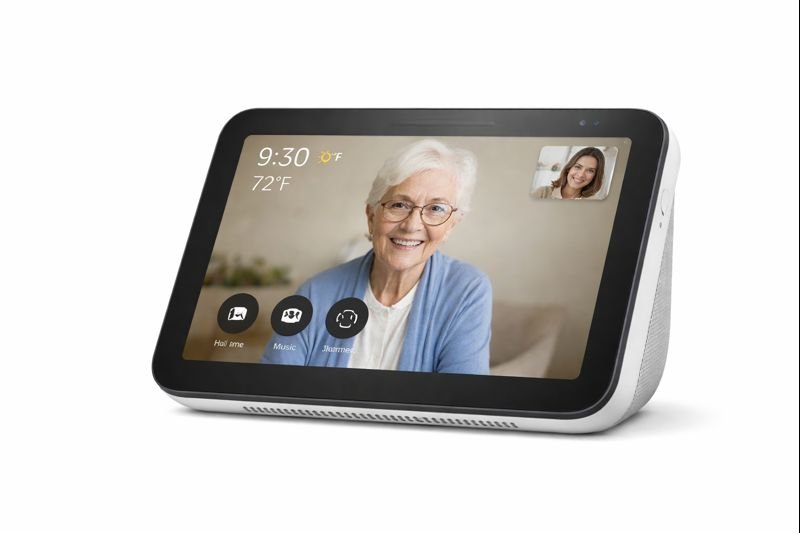
Best for: Seniors who want easy communication, reminders, and hands-free help.
- Hands-free video & voice calling
- Large, easy-to-read display
- Medication & routine reminders
- No tech skills required
Google Nest Hub
View on Amazon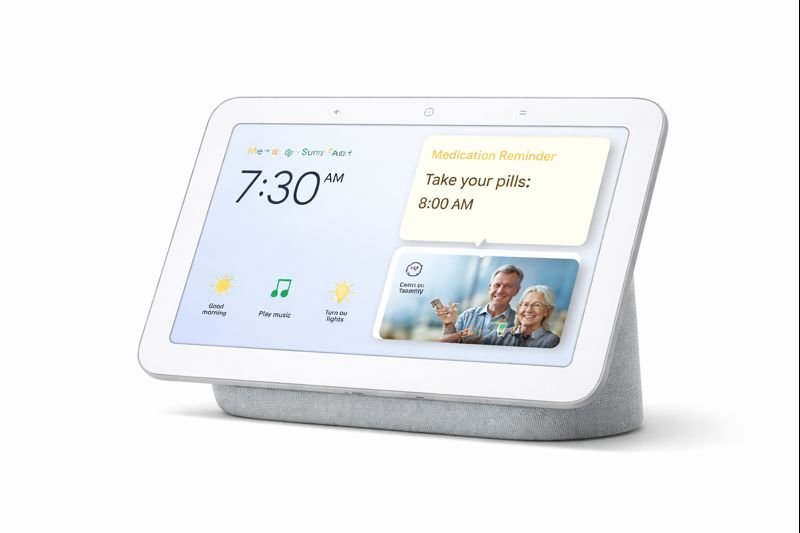
Best for: Simple communication, reminders, and hands-free assistance.
- Voice-activated reminders and routines
- Easy video calls with family
- Large, readable display
- No smartphone required
A smart display allows seniors to:
- See who they’re talking to
- Make hands-free video calls
- Get reminders for medication and appointments
Best for:
- Daily check-ins with family
- Emergency communication
- Visual reminders
👉 Ideal for seniors who don’t want to learn smartphones
Motion Sensors for Safety & Inactivity Alerts
Aqara Motion Sensor
View on Amazon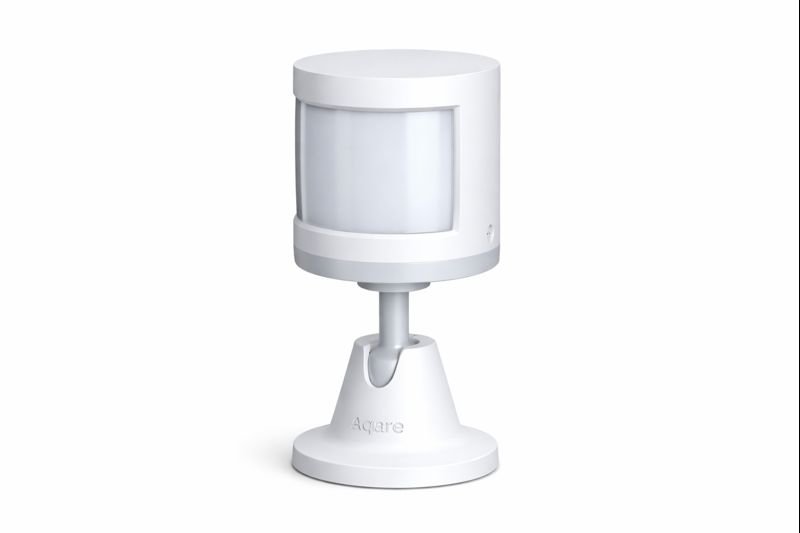
Best for: Detecting movement and inactivity to support senior safety.
- Motion and inactivity alerts
- Works with smart home automations
- Discreet and privacy-friendly
- Easy setup for caregivers
Motion sensors quietly monitor movement — without recording video.
They help caregivers:
- Detect unusual inactivity
- Confirm daily routines
- Receive alerts if movement stops
Best for:
- Bedrooms
- Hallways
- Bathrooms (outside the door)
👉 Perfect for fall-risk monitoring without invasion of privacy
Indoor Cameras (Privacy-Friendly Use)
Ring Indoor Cam – Best Indoor Safety Camera
Ring Indoor Cam (2nd Gen)
View on Amazon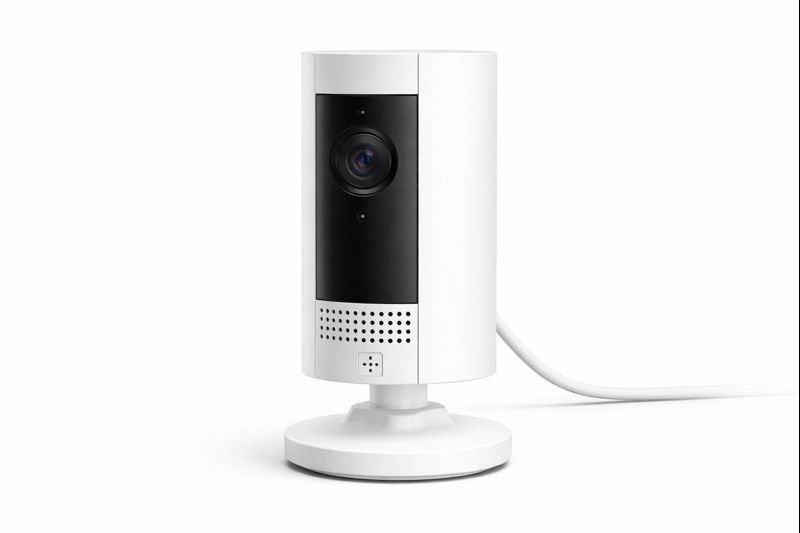
Best for: Indoor monitoring and safety check-ins.
- Live video with motion alerts
- Privacy controls & motion zones
- Easy setup
- Caregiver peace of mind
Indoor cameras should be used selectively, not everywhere.
When used properly, they allow:
- Quick visual check-ins
- Emergency confirmation
- Peace of mind for caregivers
Best placement:
- Living room
- Entryway
(Not bathrooms or bedrooms)
👉 Use only where safety matters most
| Product | Monitors | Privacy Friendly | Setup Time | |
|---|---|---|---|---|
| Aqara Motion Sensor | Movement | Yes | 5 minutes | View on Amazon |
| Ring Indoor Cam | Live video | Custom zones | 10 minutes | View on Amazon |
Smart Plugs for Simple Daily Control
TP-Link Kasa Smart Plug – Easiest Device for Seniors
TP-Link Kasa Smart Plug
See Today’s Price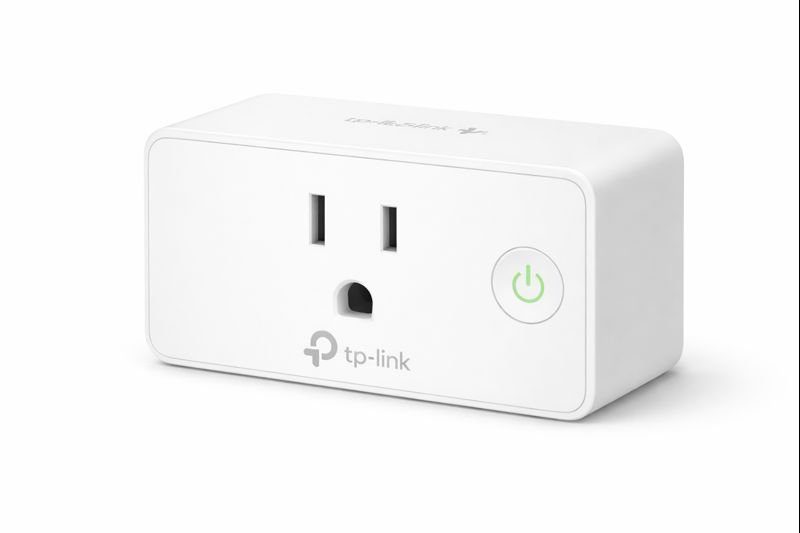
Best for: Controlling lamps and appliances without getting up.
- Remote on/off control
- Works with Alexa & Google
- No hub required
- Very easy setup
Best for: Controlling lamps and appliances without getting up.
Very easy setup
Remote on/off control
Works with Alexa & Google
No hub required
Smart plugs turn everyday appliances into safer devices.
They allow:
- Remote shut-off
- Scheduled on/off routines
- Voice control
Great for:
- Lamps
- Coffee makers
- Space heaters
👉 One of the easiest smart devices seniors can use
Smart Lighting for Fall Prevention
Smart bulbs improve visibility without requiring switches.
Benefits include:
- Automatic night lighting
- Voice-controlled lights
- Reduced fall risk in hallways and bathrooms
👉 A small upgrade with a big safety payoff
Smart Thermostats for Comfort & Health
Google Nest Thermostat
View on Amazon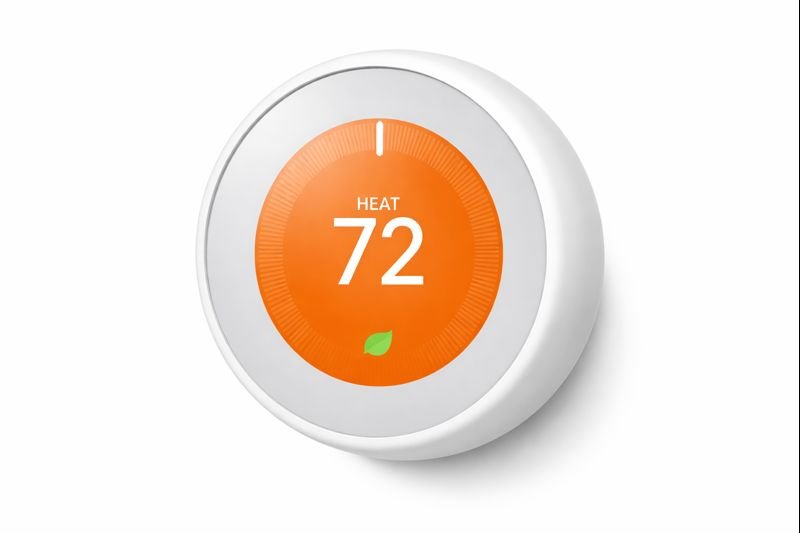
Best for: Comfortable temperatures with minimal interaction.
- Automatic temperature adjustments
- Energy-saving features
- Large, readable display
- Remote caregiver access
Temperature consistency is critical for seniors.
- Maintain safe indoor temperatures
- Adjust automatically
- Allow family to monitor remotely
👉 Especially important during extreme heat or cold
Can Too Many Smart Alerts Become Overwhelming?
Smart devices often send alerts for activity or reminders.
While helpful, too many notifications can become confusing or stressful. For seniors, it’s important to keep alerts simple and relevant.
Adjusting notification settings ensures only important alerts come through.
Are Alexa Devices Safe for Seniors?
Alexa devices can improve safety when used properly.
They help:
- Provide reminders (medication, appointments)
- Enable hands-free communication
- Monitor activity with connected devices
To stay secure:
- Use strong passwords
- Keep software updated
- Limit unnecessary permissions
👉 When set up correctly, Alexa devices are safe and reliable.
What Happens If a Smart Device Fails?
While smart devices are designed to improve safety, it’s important to understand their limitations.
Devices may occasionally lose connection or fail to respond due to network or technical issues. For seniors, relying entirely on automation without backup options can create risks.
Having simple alternatives—like manual controls or backup communication methods—ensures safety even if a device stops working.
Real-Life Use Cases for Seniors Living Alone
Morning routine check
- Motion detected → caregiver knows senior is up and moving
Medication reminders
- Voice assistant announces reminders daily
Evening safety
- Lights turn on automatically at night
- Appliances shut off on schedule
Emergency peace of mind
- Family can check in instantly if alerts trigger
Are Smart Home Devices Hard for Seniors to Learn?
No — if you choose the right ones.
The devices in this guide:
- Use voice commands
- Require minimal interaction
- Don’t force seniors to learn apps
- Can be managed remotely by caregivers
Most seniors adapt within days.
Common Mistakes to Avoid
❌ Buying too many devices at once
❌ Choosing complex systems with dashboards
❌ Overusing cameras
❌ Ignoring privacy settings
Start simple. Add only what improves safety or comfort.
Are Smart Home Devices Worth It for Seniors Living Alone?
Yes — when used correctly.
They:
- Extend independence
- Reduce caregiver stress
- Improve response time in emergencies
- Increase daily comfort and confidence
Smart home devices aren’t about replacing human care — they support it.
| Device | No App Required? | Voice Control | Ideal For | |
|---|---|---|---|---|
| Amazon Echo Show | No | Yes | Daily reminders | View on Amazon |
| Smart Plug | Yes (after setup) | Yes | Lamps & appliances | View on Amazon |
Who This Guide Is Best For
- Seniors living alone
- Adult children monitoring parents remotely
- Caregivers seeking simple, no-tech solutions
Are Alexa Devices Worth It for Seniors?
Alexa devices can greatly improve comfort, safety, and independence.
They provide:
- Hands-free control
- Easy access to information
- Improved daily routines
While there may be a small learning curve, the benefits are significant.
👉 For most seniors, Alexa devices are absolutely worth it.
Final Thoughts
Choosing the best smart home devices for seniors living alone can dramatically improve safety and independence. For seniors living alone, the best smart home devices are the ones they don’t have to think about.
Start with:
- One smart display
- One motion sensor
- One smart plug
Then build slowly.
Safety doesn’t need to be complicated.
Are smart home devices safe for seniors living alone?
Yes. When chosen correctly, smart home devices improve safety by monitoring activity, providing reminders, and allowing quick communication without being invasive.
Do seniors need smartphones to use smart home devices?
No. Many devices work entirely through voice commands or run automatically once set up by a caregiver.
What is the easiest smart device for seniors to start with?
Smart plugs and smart displays are usually the easiest because they require minimal interaction and provide immediate benefits.
Can caregivers monitor seniors remotely?
Yes. Many smart home devices allow caregivers to receive alerts, check activity, and make video calls from anywhere.
Are smart home devices expensive to maintain?
Most devices are one-time purchases with optional subscriptions. Many work well without ongoing monthly costs.