
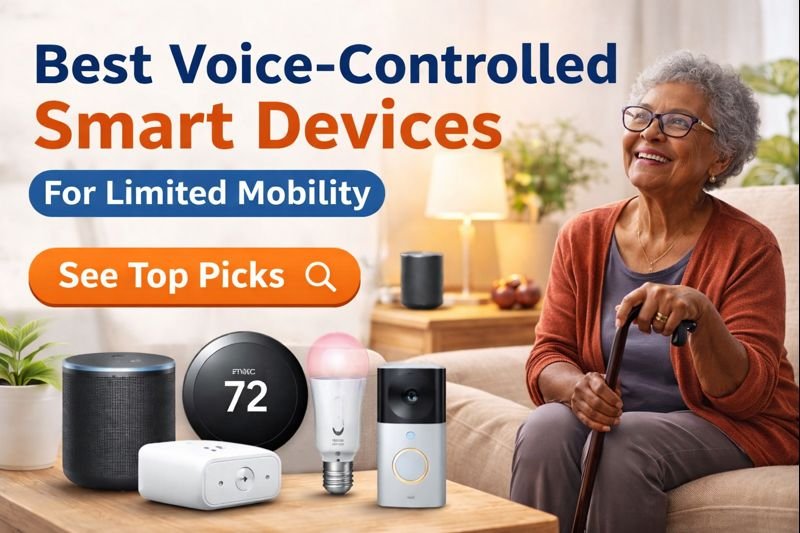
The best voice-controlled smart devices for limited mobility make it possible to control your home without standing up, reaching, or lifting a finger.
For people with limited mobility—whether due to age, injury, disability, or chronic pain—voice-controlled smart devices aren’t a luxury anymore. They’re freedom.
With a simple voice command, lights turn on, doors lock, temperatures adjust, and help is always within reach. In this guide, you’ll discover the best voice-controlled smart devices that make everyday life safer, easier, and more independent.
How Reliable Are Voice Commands for People with Limited Mobility?
Voice control is powerful, but reliability is one of the most important factors—especially for users who depend on it daily.
Most modern voice assistants are highly accurate, but performance can vary based on background noise, speech clarity, and device placement. In quieter environments, voice commands tend to work consistently, but in noisy spaces, accuracy may decrease.
For best results, placing devices within clear speaking distance and minimizing background interference can significantly improve performance.
How Voice-Controlled Smart Devices Help With Limited Mobility
Voice-controlled smart devices allow users to control their environment without physical effort.
This is especially helpful for people with limited mobility, as it removes the need to:
- Reach for switches
- Walk across the room
- Use manual controls
Simple voice commands can turn on lights, adjust temperature, or control appliances.
👉 These devices provide independence and convenience in everyday life.
| Feature | Amazon Echo (5th Gen) | Philips Hue Bulbs | Google Nest Thermostat |
|---|---|---|---|
| Hands-Free Voice Control | ✅ Yes | ✅ Yes | ✅ Yes |
| Best For | Home-wide control | Lighting & fall prevention | Temperature comfort |
| Ease of Use | Very Easy | Easy | Easy |
| Ideal for Limited Mobility | ⭐ Excellent | ⭐ Excellent | ⭐ Very Good |
| Typical Price Range | $ | $$ | $$ |
| Check Price | View on Amazon | View on Amazon | View on Amazon |
Why the Best Voice-Controlled Smart Devices for Limited Mobility Are Life-Changing
Limited mobility can turn small tasks into exhausting challenges. Voice control removes those barriers.
Key benefits include:
- Hands-free control of lights, temperature, and appliances
- Reduced risk of falls from unnecessary movement
- Increased independence and confidence
- Instant access to help, reminders, and communication
Best voice-controlled smart devices for limited mobility
For caregivers and family members, these devices also provide peace of mind, knowing loved ones can manage their home safely. According to AARP, many older adults prefer to age in place, making home safety and easy-to-use technology essential for maintaining independence.
Are Voice-Controlled Devices Easy for Seniors to Use?
Many voice-controlled devices are designed to be simple and intuitive.
Features that make them easy to use include:
- Voice commands (no buttons needed)
- Simple setup through mobile apps
- Automation to reduce manual interaction
Devices like Alexa and Google Assistant are especially beginner-friendly.
👉 Voice control is often easier than traditional controls for seniors.
1. Smart Speakers with Voice Assistants (The Control Center)
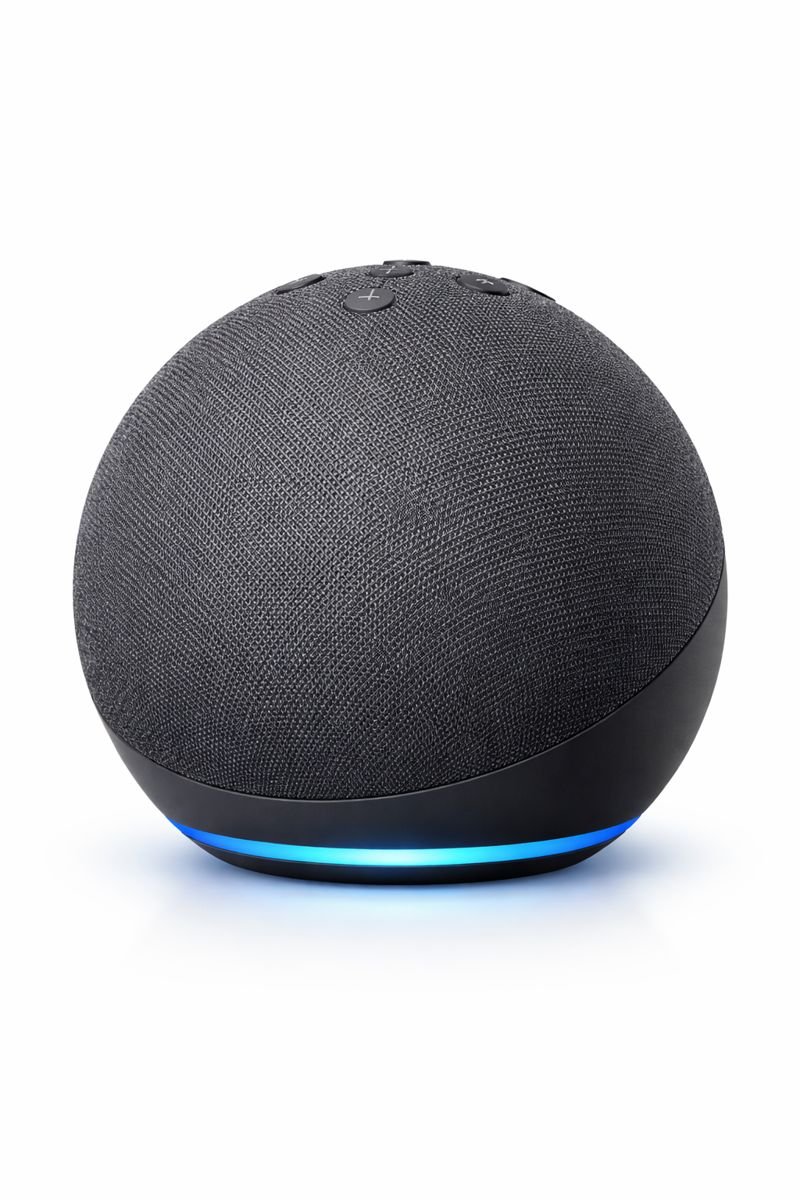
A voice assistant is the heart of a hands-free home.
With simple commands like “turn on the lights” or “increase the temperature,” smart speakers allow full control without movement.
Best uses:
- Control other smart devices
- Make hands-free calls
- Set medication reminders
- Ask for help in emergencies
👉 Ideal for users who want one device that controls everything.
2. Voice-Controlled Smart Lights (No More Switches)
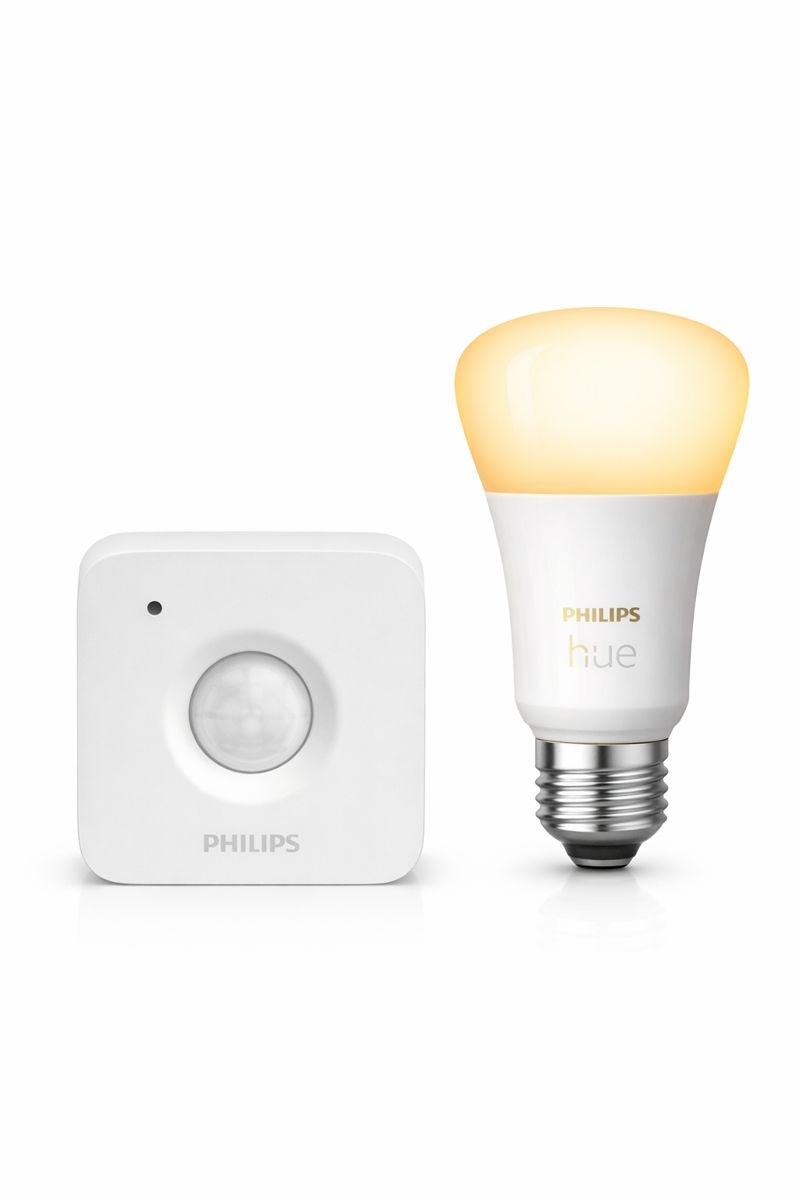
Reaching for light switches can be painful—or dangerous.
Voice-controlled smart lights allow users to turn lights on or off, dim them, or change brightness levels without leaving their chair or bed.
Why they matter:
- Reduce nighttime fall risk
- Improve visibility instantly
- No walking in dark rooms
👉 Perfect for bedrooms, hallways, bathrooms, and living rooms.
Many of the best voice-controlled smart devices for limited mobility are designed to reduce fall risk while increasing independence at home.
3. Smart Thermostats (Comfort Without Movement)
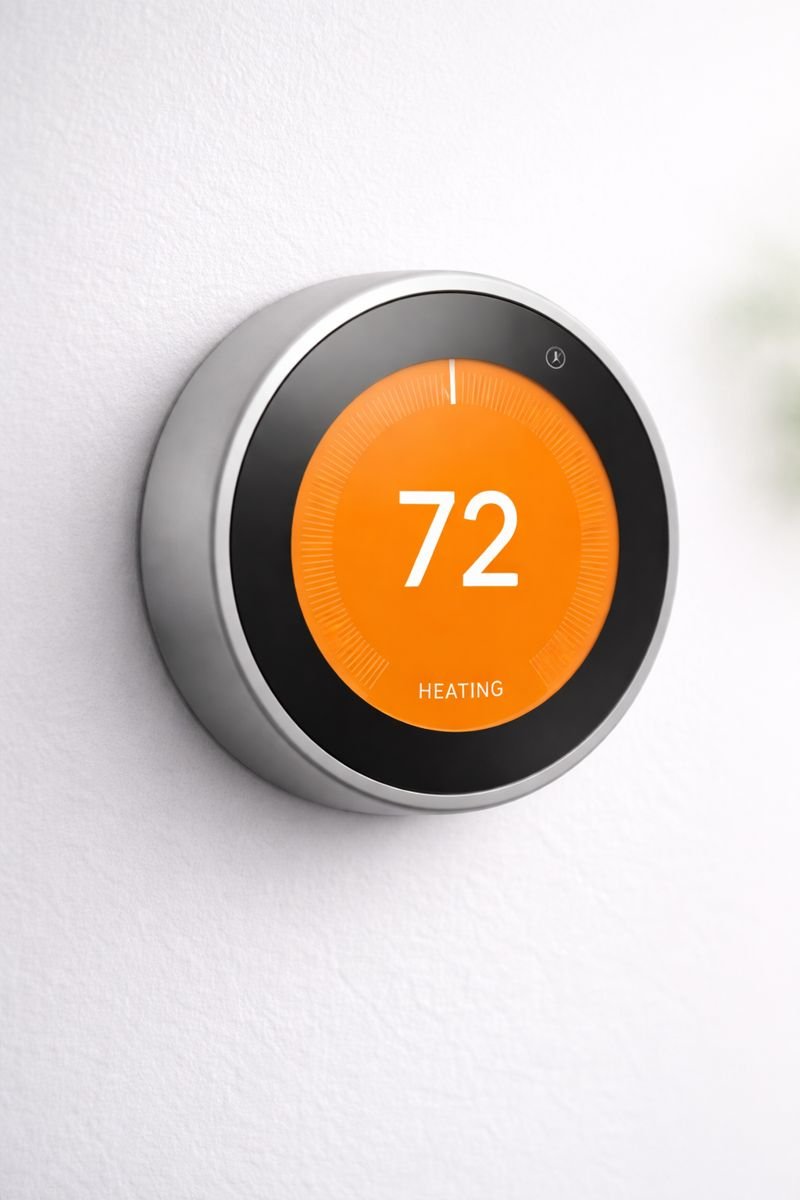
Temperature control is one of the most overlooked challenges for people with limited mobility.
Voice-controlled smart thermostats allow users to say:
“Increase the temperature”
“Lower the heat”
“Set it to 72 degrees”
Benefits:
- No bending or walking to a wall thermostat
- Maintains comfort throughout the day
- Prevents dangerous overheating or cold exposure
👉 Especially helpful for seniors and people with circulation issues.
Real-Life Example: Hands-Free Comfort at Home
For many seniors with limited mobility, simple tasks like adjusting the thermostat or turning off a light can become daily challenges.
With voice-controlled smart devices, one spoken command can warm a room, turn off lights at night, or check who’s at the door—without standing up. These small moments add up to greater comfort, safety, and independence every day.
How Caregivers Can Use Voice-Controlled Smart Devices
Voice-controlled smart devices are not only useful for individuals but also for caregivers.
Caregivers can monitor, assist, and automate tasks remotely, helping reduce the need for constant physical assistance. For example, they can adjust lighting, check device status, or ensure routines are running properly.
This added layer of support makes smart home systems especially valuable for individuals who require ongoing care.
4. Smart Plugs (Control Everyday Appliances)
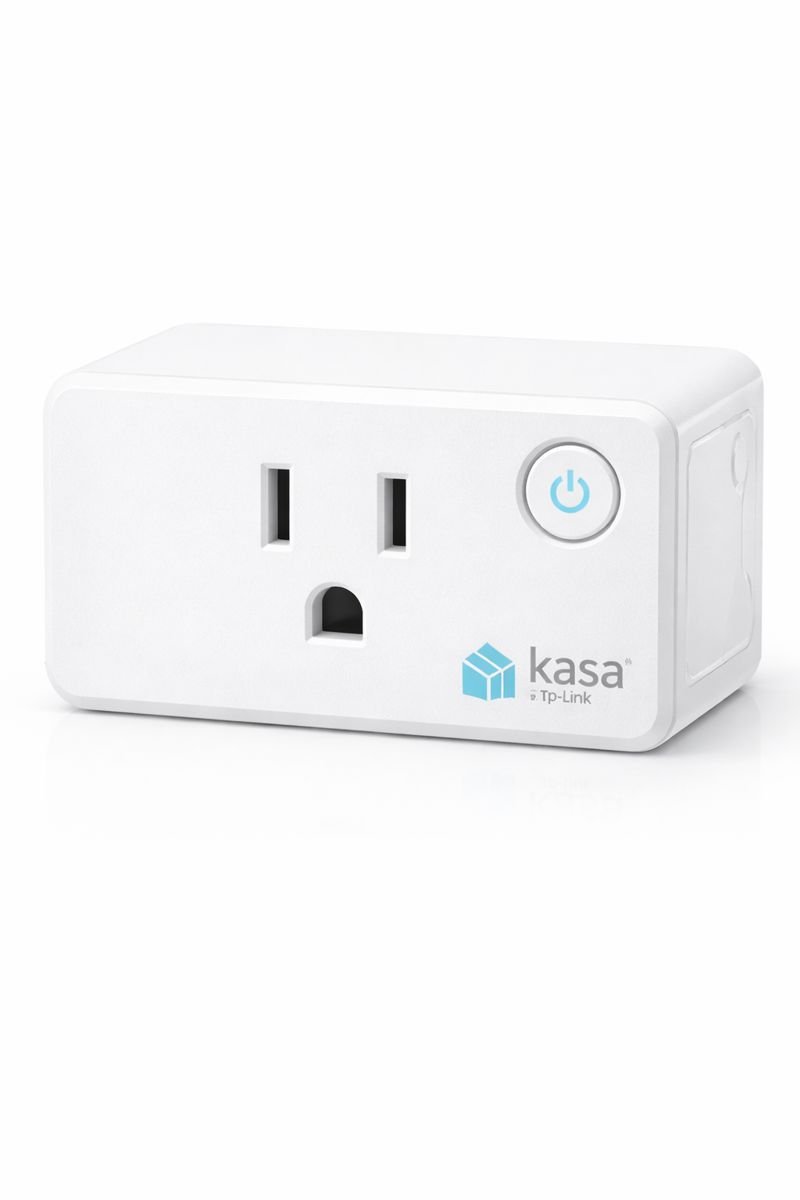
Smart plugs turn ordinary devices into voice-controlled tools.
Plug in lamps, fans, heaters, coffee makers, or TVs—then control them by voice.
Why they’re powerful:
- Extremely affordable
- No rewiring needed
- Instant hands-free convenience
👉 One of the easiest upgrades for limited mobility.
5. Smart Door Locks & Doorbells (Safety Without Getting Up)
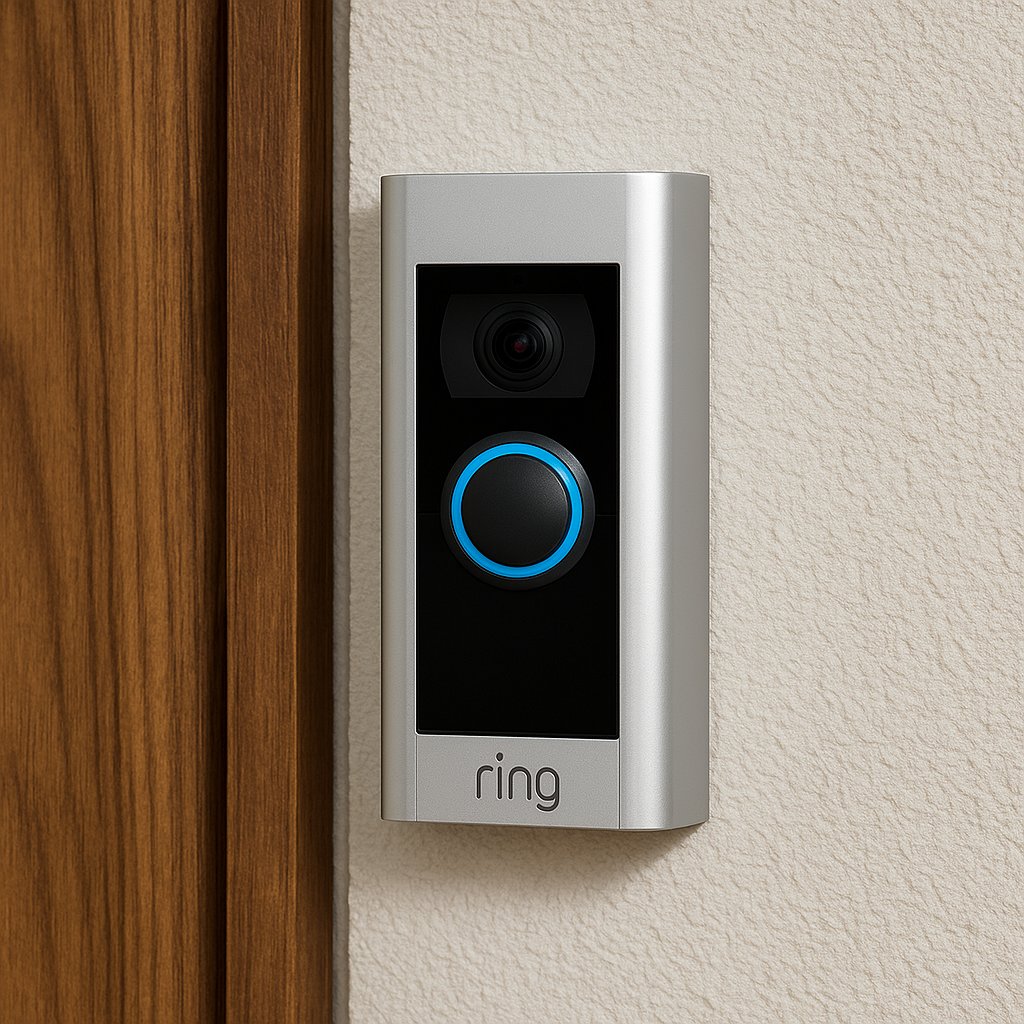
Answering the door or checking who’s outside can be stressful.
Voice-controlled smart doorbells and locks allow users to:
- See who’s at the door
- Talk to visitors
- Lock or unlock doors by voice
Why this matters:
- No rushing to the door
- Improved personal safety
- Greater independence
👉 Excellent for people who use walkers, wheelchairs, or have balance concerns.
Do Voice-Controlled Smart Devices Require WiFi?
Most voice-controlled smart devices rely on WiFi to function properly.
WiFi is needed for:
- Voice recognition
- App control
- Device integration
Some devices offer limited offline functionality, but full features require internet access.
👉 A stable WiFi connection is essential for reliable performance.
What Happens If Voice Control Stops Working?
Since voice-controlled systems rely heavily on internet connectivity, there may be times when commands don’t work as expected.
If WiFi goes down or a device loses connection, voice commands may fail or respond slowly. This can be frustrating, especially for users who rely on hands-free control.
Having a backup option—such as app control or physical buttons—ensures you can still operate essential devices when needed.
6. Voice-Controlled Emergency & Safety Features
Some smart devices allow voice commands like:
“Call for help”
“Contact my family”
When paired with routines or emergency contacts, these devices can be lifesaving.
Added peace of mind:
- Fast access to help
- Works even when phones are out of reach
- Ideal for people living alone
How to Choose the Right Devices
When selecting voice-controlled smart devices for limited mobility, look for:
- ✅ Simple voice commands
- ✅ Minimal setup and maintenance
- ✅ Compatibility with one main voice assistant
- ✅ Reliable customer support
- ✅ Clear audio response
Start small—then expand as confidence grows.
Who These Voice-Controlled Smart Devices Are For
These devices are ideal for:
- Seniors with limited mobility or balance concerns
- People recovering from injury or surgery
- Individuals with arthritis, chronic pain, or disabilities
- Caregivers supporting loved ones remotely
These devices may not be ideal if:
- There is no Wi-Fi access in the home
- The user prefers fully manual, non-digital solutions
| Device | Why It’s Included | Buy |
|---|---|---|
|
Best Overall Amazon Echo (5th Gen) |
Acts as the central voice hub. Allows full hands-free control of lights, plugs, thermostat, reminders, and calls. | View on Amazon |
|
Safety Pick Philips Hue White Smart Bulb |
Voice-controlled lighting reduces nighttime falls and eliminates the need to reach for switches. | View on Amazon |
|
Budget Add-On Kasa Smart Plug Mini |
Turns lamps, fans, and appliances into voice-controlled devices with no rewiring. | View on Amazon |
Best Overall: Amazon Echo (5th Gen)
Best for Safety: Philips Hue Smart Bulbs
Best for Comfort: Google Nest Thermostat
Backup Control Options for Voice-Controlled Devices
While voice control is convenient, it shouldn’t be your only method of control.
Many smart devices offer alternative ways to operate them, such as mobile apps, remote controls, or manual switches. These backup options are important in case voice commands fail or are not recognized.
For users with limited mobility, having multiple control options provides added reliability and peace of mind.
Best Smart Home Setup for Limited Mobility
A good smart home setup should focus on simplicity and accessibility.
A practical setup includes:
- A smart speaker for voice control
- Smart lights for easy visibility
- Smart plugs for appliances
- Optional smart locks for safety
This setup allows full control without physical strain.
👉 Keep the system simple and focused on daily needs.
How to Customize Voice Assistants for Accessibility
Voice assistants can be adjusted to better suit individual needs.
Settings such as voice sensitivity, response speed, and preferred commands can be customized to improve usability. Some platforms also allow you to create simplified routines or shorter command phrases.
Taking the time to adjust these settings can make voice control more intuitive and easier to use on a daily basis.
Common Mistakes to Avoid When Setting Up Voice-Controlled Devices
- Placing smart speakers too far from where voice commands are given
- Forgetting to enable voice control in device settings
- Not grouping devices into routines (like “Good Night” or “Relax”)
- Skipping simple training on how to use voice commands consistently
Quick Start Checklist for Hands-Free Living
✔ Choose one voice assistant (Alexa or Google)
✔ Start with one smart speaker
✔ Add smart lights or plugs for safety
✔ Create simple voice routines
✔ Expand only when comfortable
Building a Complete Hands-Free Living Setup
A fully effective hands-free setup goes beyond individual devices.
Combining multiple devices—such as smart lights, plugs, sensors, and safety features—creates a system that works together seamlessly. This allows for automation that reduces effort and increases independence.
By focusing on how devices interact rather than just what they do individually, you can build a smarter and more supportive living environment.
Are Voice-Controlled Smart Devices Worth It?
Voice-controlled smart devices can significantly improve quality of life for people with limited mobility.
They provide:
- Greater independence
- Easier control of the home
- Reduced physical strain
While they don’t replace caregiving, they act as a powerful support tool.
👉 For many users, these devices are absolutely worth it.
Final Thoughts: Hands-Free Living Is Real Freedom
Choosing the best voice-controlled smart devices for limited mobility can greatly improve comfort, safety, and independence at home. Voice-controlled smart devices don’t just make homes smarter—they make life safer, easier, and more dignified for people with limited mobility.
Whether you’re upgrading your own home or helping a loved one stay independent longer, these devices deliver something priceless:
Control—without movement. Choosing the best voice-controlled smart devices for limited mobility can significantly improve safety, comfort, and independence at home.
What are the best voice-controlled smart devices for limited mobility?
Voice-controlled smart devices such as smart speakers, smart lights, smart thermostats, and smart plugs allow people with limited mobility to control their home using simple voice commands, reducing the need for physical movement.
Are voice-controlled smart devices easy to use for seniors?
Yes, most voice-controlled smart devices are designed to be easy to use for seniors, requiring simple spoken commands and minimal setup. Many devices also offer clear audio feedback and customizable routines.
Do voice-controlled smart devices work without a smartphone?
Many voice-controlled smart devices can be used without a smartphone once they are initially set up. After setup, users can control devices entirely through voice commands.
How do voice-controlled smart devices help people with limited mobility?
Voice-controlled smart devices help people with limited mobility by reducing physical strain, minimizing fall risks, and allowing hands-free control of lighting, temperature, and household appliances.
Are voice-controlled smart devices safe and reliable for everyday use?
Yes, voice-controlled smart devices are generally safe and reliable when connected to a secure Wi-Fi network and properly configured. They are widely used to improve comfort, safety, and independence at home.
Pingback: Best Smart Devices for Caregivers (Who Can’t Be Home 24/7)