
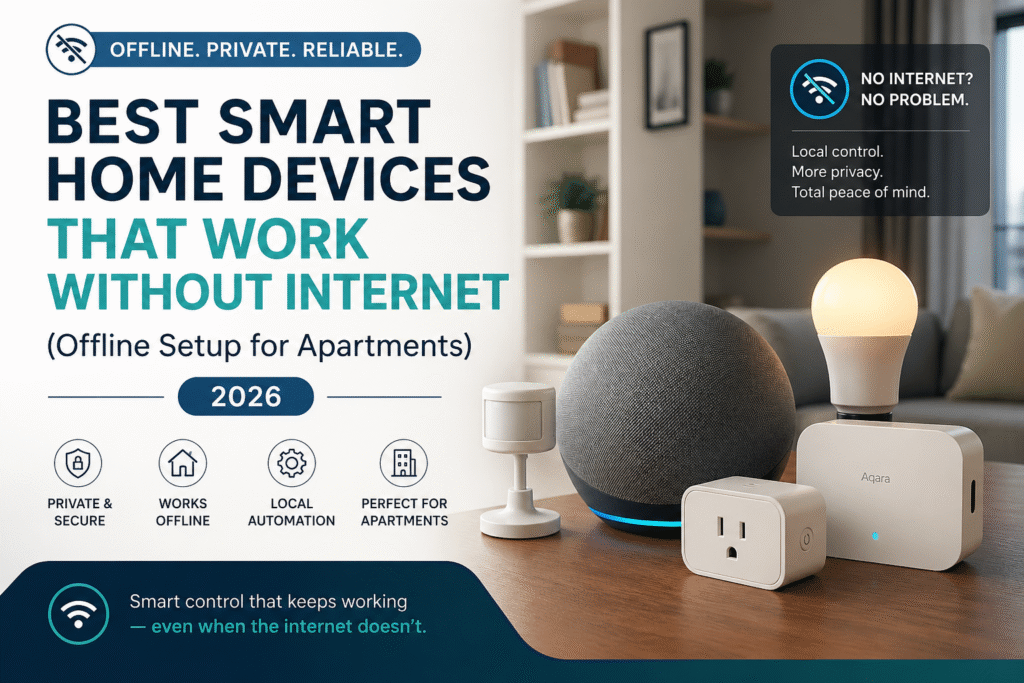
Introduction
Most renters assume smart home devices stop working the moment the internet goes down. That’s why more people are now looking for a smart home without WiFi that can keep working even during outages.
So they overpay for cloud-based systems… deal with constant disconnects… and end up frustrated when their “smart” home fails exactly when they need it most. That’s why newer smart home standards like Matter are becoming more important—allowing devices to communicate locally instead of relying entirely on the internet. If you want devices built for this type of local control, check out the best Matter smart home devices for beginners.
Then the real stress hits:
- What happens when the WiFi drops?
- Did I just waste money on the wrong setup?
- Is this going to be a pain to remove when I move?
If you’ve ever felt that uncertainty, you’re not alone—and more importantly, you’re asking the right question.
The truth is, you don’t need a complicated, always-online system to have a reliable smart home. The best smart home devices that work without internet give you something most setups can’t:
👉 control, stability, and peace of mind—no matter what your WiFi is doing.
This guide is built for real apartment living. No drilling. No permanent changes. No overcomplicated systems.
Just smart, renter-friendly devices that keep working—even during outages.
Start simple: plug-and-play devices give you immediate offline control with zero stress. As your needs grow, you can add a bridge to improve reliability while staying fully removable. And if you want full control, a centralized hub can tie everything together—without locking you into something you’ll regret later.
👉 The goal isn’t to build the most advanced system.
👉 It’s to build a smart home that actually works for your life.
If you want a complete walkthrough, this step-by-step guide to building a smart home in an apartment shows exactly how to set everything up.
⭐ Top Picks (Quick Recommendations)
If you want the best smart home devices that work without internet, start here:
🥇 Best Overall: Amazon Echo (4th Gen)
👉 Simple offline control with built-in hub and voice commands
✔ Best for: Easy, beginner-friendly setups
💡 Best for Lighting: Philips Hue Bridge + Bulbs
👉 Reliable lighting that works without WiFi
✔ Best for: Stable, always-on lights
🔐 Best for Automation: Aqara Hub M2
👉 Full offline automation with sensors and local control
✔ Best for: Advanced setups and security
🎯 Quick Pick
- Simple → Echo (4th Gen)
- Lighting → Philips Hue
- Automation → Aqara M2
What Does “Smart Home Without Internet” Actually Mean?
A smart home without internet doesn’t mean your devices stop being smart—it means they rely on local communication instead of cloud services.
Instead of sending commands through the internet, devices connect directly using technologies like:
- Zigbee
- Bluetooth
- Local hubs
This allows your setup to keep working even when WiFi is down.
👉 The key difference:
Cloud-based systems depend on internet access.
Offline systems are built for local control and reliability first.
What Happens When Your WiFi Goes Down?
Imagine this:
Your internet drops.
Your lights stop responding.
Your camera won’t load.
Your “smart” home suddenly… isn’t.
Now compare that to an offline setup:
- Lights still turn on
- Sensors still trigger
- Automations still run
👉 That’s the difference between a setup that depends on the internet—and one that doesn’t.
👤 Who This Is For
- Apartment renters with unstable or limited internet service
- Renters worried about cloud-dependent devices and privacy
- People who need removable, lease-safe security solutions
- Renters wanting local control without permanent installation
- Budget-conscious renters preferring simple offline reliability
📑 Table of Contents
- Introduction
- Who This Is For
- Quick Comparison Table
- Decision Shortcut
- FAQs
- Final Verdict
- About the Author
Best Smart Home Setup Without Internet (Apartment Guide)
If you want a smart home that works without internet, the key is building it in stages:
🔌 Basic Setup (Most Renters)
- Smart plugs, bulbs, and devices with local control
- No hub required
- Easy to install and remove
⚡ Growing Setup
- Add a hub or bridge
- Improves device communication
- Keeps everything working locally
🧠 Full Setup
- Central hub + sensors + automation
- Maximum control and privacy
- Best for long-term stability
👉 The goal isn’t complexity—it’s building a system that stays reliable without depending on WiFi.
This approach helps you build a reliable offline smart home setup that continues working even when your internet goes down.
📊 Quick Comparison Table
| Product | Contract Required | DIY Install | Monitoring Option | Best For | Works With Alexa |
|---|---|---|---|---|---|
| Amazon Echo (4th Gen) | No long-term contract | Yes (removable setup) | Optional monthly plan | Renters planning long-term growth | Yes |
| Philips Hue Bridge | No long-term contract | Yes (wireless & adhesive) | Optional month-to-month | Quick setup & simple control | Yes |
| Aqara Hub M2 | No long-term contract | Yes (compact & wireless) | Optional low-cost plan | Budget-friendly small apartments | Yes |
If you’re comparing more options, see the full breakdown of the best smart home devices for apartments to find the right setup for your space.
Amazon Echo (4th Gen)
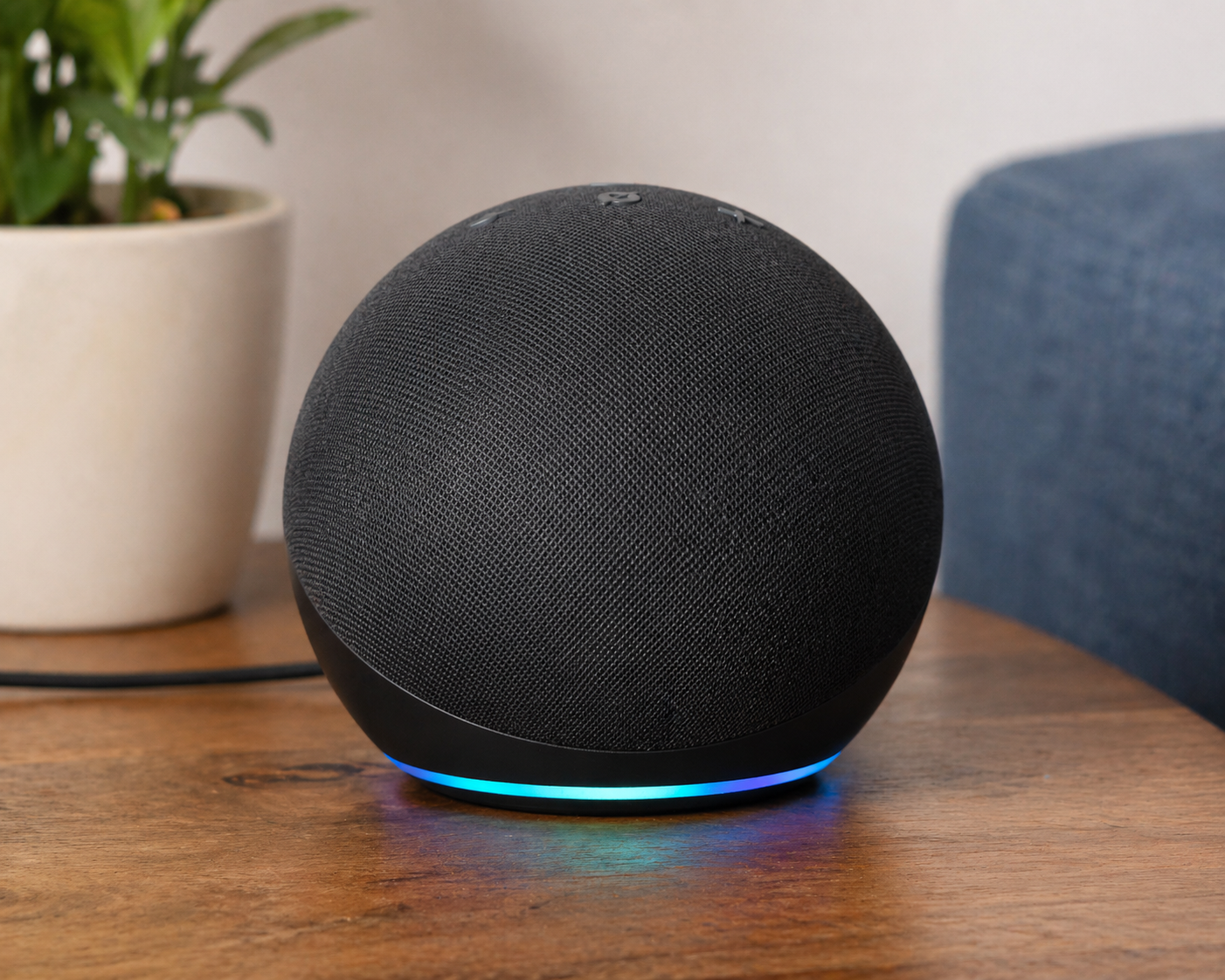
Best For: Renters who want simple control + some offline capability without extra hardware
What It Is: A smart speaker with local voice processing and basic offline controls.
Why Renters Love It: Works without permanent installation and offers local routines for modest offline use.
Real-Life Scenario: Use it for voice-activated lights and timers during brief internet outages.
One Limitation: Limited advanced automation when offline.
Works without internet for core functions
Philips Hue Bridge
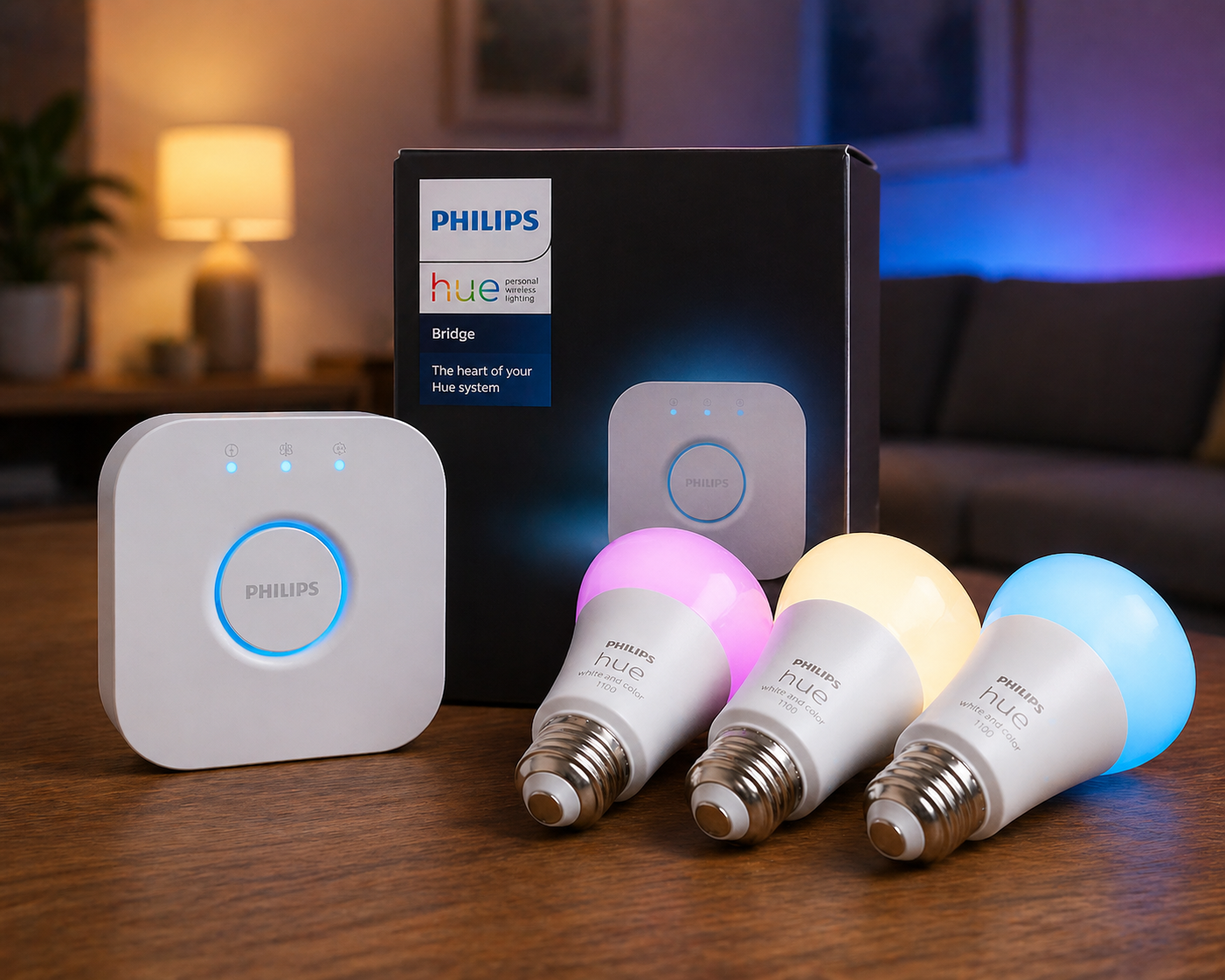
Best For: Lighting setups that must work even during outages
What It Is: A local hub that keeps smart lighting working during internet failures.
Why Renters Love It: Maintains light schedules and scenes while staying hidden and removable.
Real-Life Scenario: Automatically switch lights at sunset without needing cloud access.
One Limitation: Requires Hue-compatible bulbs.
Works without internet for core functions
Aqara Hub M2
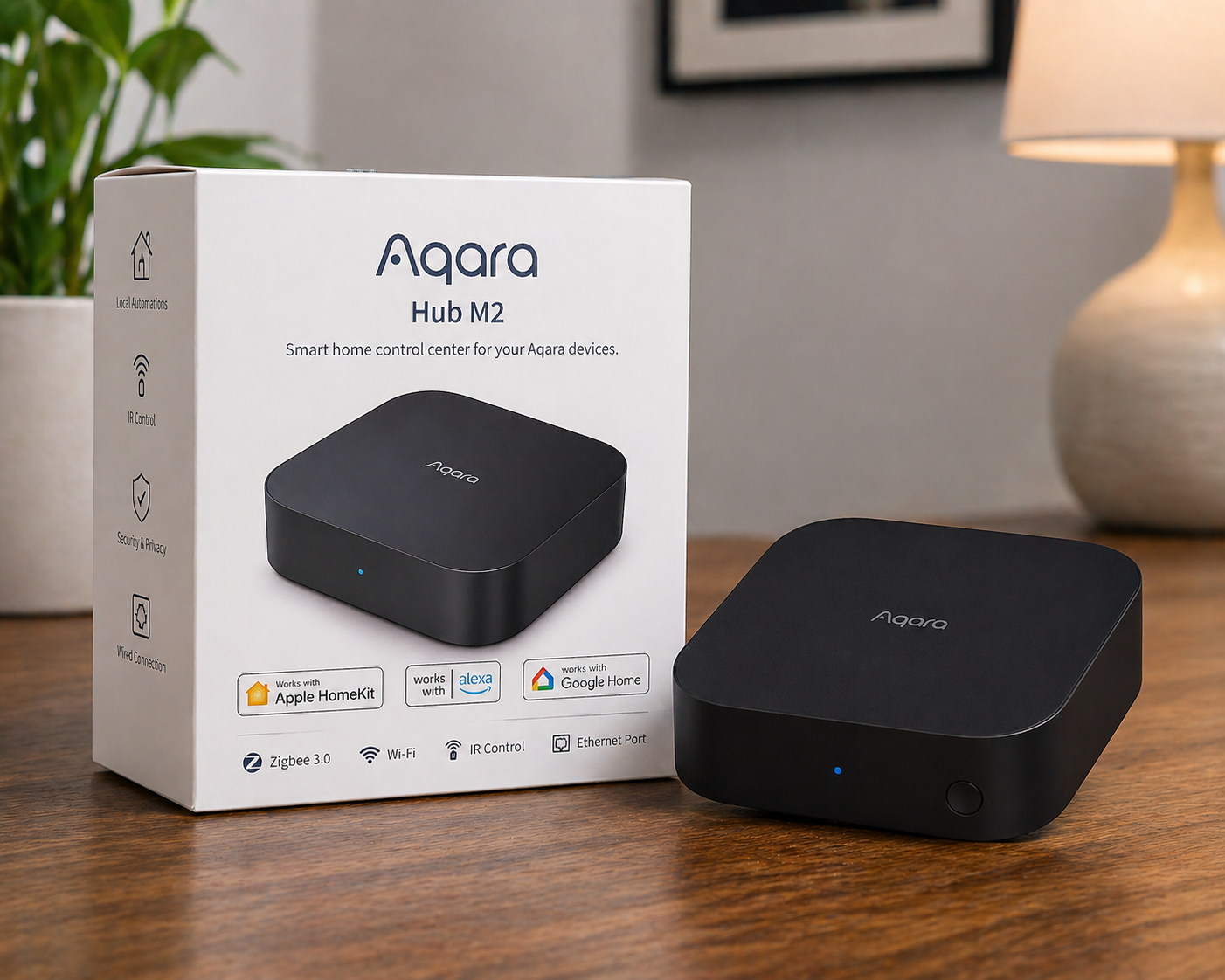
Best For: Renters who want security + automation that still works offline
What It Is: A compact hub for sensors, automations, and local processing of events.
Why Renters Love It: Brings security sensors online locally and avoids permanent wiring.
Real-Life Scenario: Trigger alarms or automations from door/window sensors during outages.
One Limitation: Limited third-party integrations offline.
Works without internet for core functions
This makes it a great option for building a local control smart home that continues working even during internet outages.
Do not choose based on features alone. Basic setups rely on plug-and-play devices for immediate offline control. Growing setups add a bridge to coordinate local networks without cloud dependency. Full coverage uses a centralized hub for robust local automation and privacy. Choose with limited internet in mind: prioritize local control, removability, and lease compliance.
Smart Home With Internet vs Without Internet
Understanding the difference helps you avoid the wrong setup:
With Internet (Cloud-Based):
- Remote access from anywhere
- Easy setup
- Dependent on WiFi and servers
Without Internet (Local Control):
- Works during outages
- More reliable automation
- Better privacy
👉 Most renters benefit from a hybrid approach—but if reliability matters most, local control wins.
⚠️ When Offline Smart Homes DON’T Work Well
Offline setups aren’t perfect—and knowing the limits helps you avoid frustration.
- No internet = limited remote access
- Some alerts won’t reach your phone
- Voice assistants may lose certain features
- Setup can require more planning upfront
👉 If you expect full remote control without internet, you’ll be disappointed.
🎯 Decision Shortcut
If your internet has ever gone down and left your “smart” home useless, you already know the problem.
This is how to fix it—without overcomplicating your setup or risking your lease:
- 🔌 Start Simple (Most Renters)
Plug-and-play devices give you instant local control, zero stress, and full portability. No drilling. No commitment. Just a setup that works when you need it.
- ⚡ Build Smarter (When You’re Ready)
Add a bridge to connect your devices and improve reliability—without locking yourself into a system. You get smoother performance while keeping everything renter-safe and removable.
- 🧠 Go All-In (Only If It’s Worth It)
A centralized hub gives you advanced local automation, privacy, and total control—but only when your setup actually needs it. Not before.
This approach works especially well for a smart home for small apartments where space and flexibility matter most.
💡 The Smart Move
Don’t build a system that looks impressive.
Build one that still works when everything else doesn’t.
👉 Start simple. Stay flexible. Upgrade only when it makes sense.
❓ FAQs
Can smart devices work without the internet?
Yes, many devices offer local control via Bluetooth, local protocols, or hubs. Choose removable devices and avoid cloud-only setups to reduce lease and privacy risks.
Will offline devices still give alerts when I’m away?
Not always—without internet you usually won’t get remote push alerts from the device itself. Consider a bridge or optional monitoring path that respects removability if remote alerts are essential.
Are offline security cameras reliable for renters?
Some cameras store footage locally or on removable SD, which works well during outages. Check that installation is nonpermanent and avoid hardwiring to stay lease-safe.
How do I keep automations when moving apartments?
Use plug-and-play devices and hubs that export settings or keep local scene files. Keep mounts and wiring removable so you can uninstall without damaging the rental.
Do smart home devices need WiFi to work?
Not always. Many smart home devices that work without internet use local protocols like Zigbee, Bluetooth, or hub-based systems. These allow devices to function even when WiFi is down, though remote access may be limited.
Do smart home hubs work without internet?
Yes, many hubs allow devices to communicate locally even without internet. However, remote access and certain features may be limited depending on the system.
Who Should NOT Use Offline Smart Home Devices
This setup isn’t for everyone.
You may want to skip it if:
- You rely heavily on remote monitoring
- You want full cloud-based automation
- You prefer plug-and-play apps with zero setup
👉 Offline setups are best for control and reliability—not convenience from anywhere.
🏁 Final Verdict
You don’t need a smart home that depends on perfect internet.
You need one that actually works when it matters.
Too many renters invest in cloud-based setups that look impressive—until the WiFi drops and everything stops. That’s when frustration kicks in, money feels wasted, and your “smart” home suddenly isn’t so smart anymore.
But it doesn’t have to be that way.
The best smart home devices that work without internet give you something far more valuable than features:
👉 reliability, control, and peace of mind—no matter what your connection is doing.
Start simple. Plug-and-play devices give you immediate offline control with zero risk, zero stress, and complete freedom to move when you need to. As your setup grows, a bridge can improve coordination while keeping everything renter-friendly and removable.
And if you ever decide to go all-in, a centralized hub can deliver powerful local automation and privacy—but only when it truly adds value to your life.
👉 The mistake isn’t starting small.
👉 The mistake is overbuilding too early.
Build your setup in stages. Keep it flexible. Choose devices that work for you, not just your WiFi.
Because the smartest smart home…
👉 is the one that keeps working when everything else doesn’t.
👤 About the Author
Craig, Founder of TopRatedByCraig, TopRatedByCraig.com.
Focus on renter-first, lease-safe, scalable smart home security.