
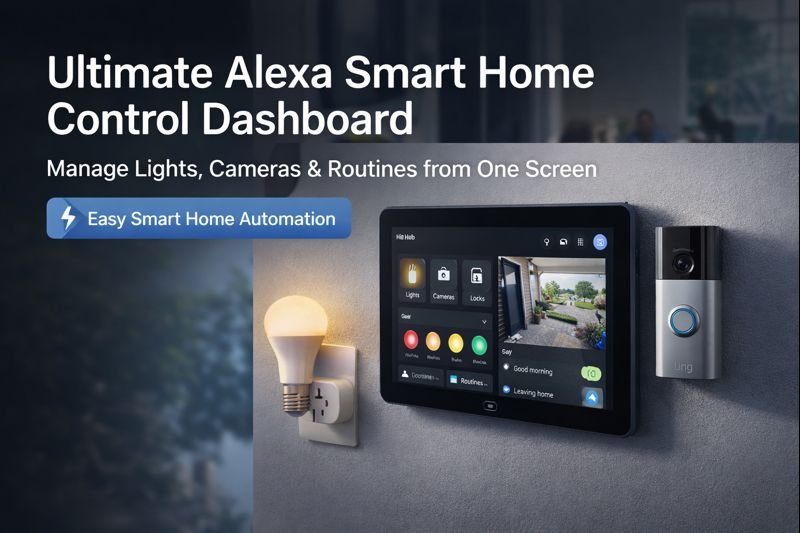
Imagine walking into your home and everything responds instantly—lights adjust, cameras appear on a single screen, doors lock, and routines run automatically. That’s the power of an Alexa Smart Home Control Dashboard.
This guide is designed to help you build a clean, powerful Alexa hub setup that controls lights, cameras, locks, and routines from one place—perfect for apartments, houses, and wall-mounted dashboards.
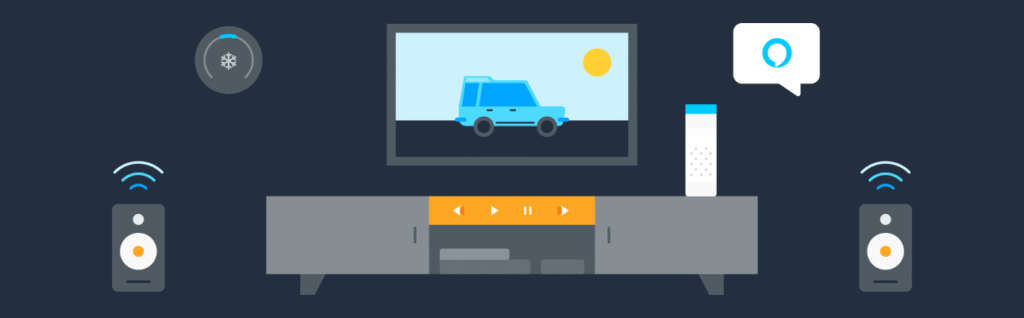
🔥 Why an Alexa Smart Home Dashboard Changes Everything
An Alexa dashboard isn’t just convenience—it’s control.
Benefits:
- One screen for lights, cameras, locks, plugs
- Hands-free voice control
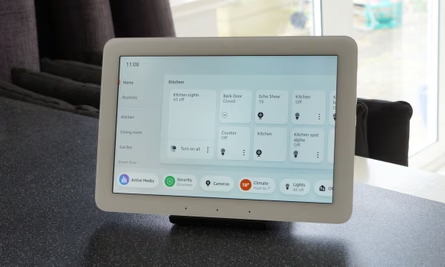
- Visual control via Echo Hub or Echo Show
- Automations that run daily without effort
- Works with most major smart brands
If you want a command center for your home, Alexa delivers.
🔹 Who This Alexa Dashboard Is Perfect For
- Apartment renters (no wiring)
- Homeowners adding security
- Families managing routines
- Beginners building their first smart home
🧠 What Is an Alexa Smart Home Control Dashboard?
An Alexa Smart Home Control Dashboard is a centralized interface that allows users to control lights, cameras, locks, and routines from a single screen using Alexa-compatible devices.
An Alexa Smart Home Control Dashboard is a central interface—usually an Echo Hub or Echo Show—that lets you:
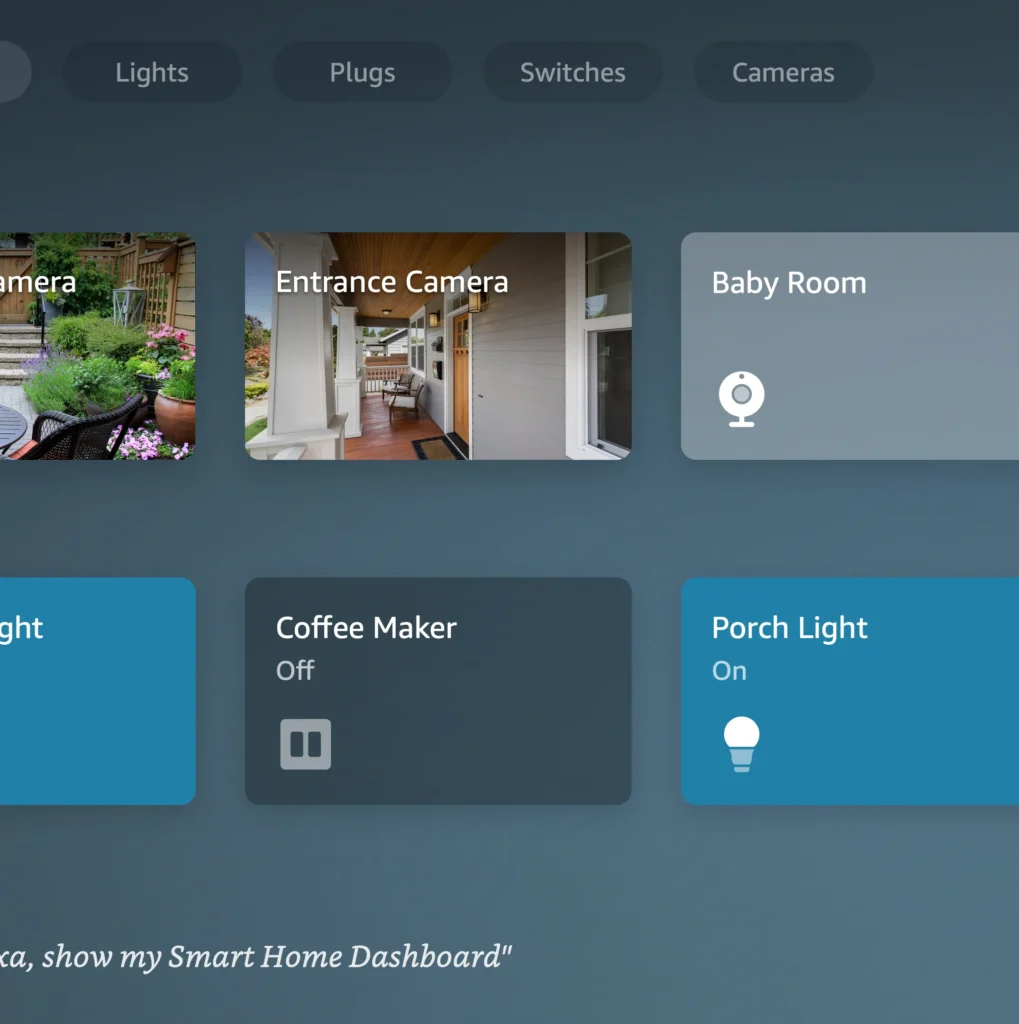
- View live camera feeds
- Toggle lights and plugs
- Lock/unlock doors
- Trigger routines
- Monitor sensors
Think of it as mission control for your home.
🏆 Best Devices to Build the Ultimate Alexa Dashboard
🔷 Core Alexa Hub Devices
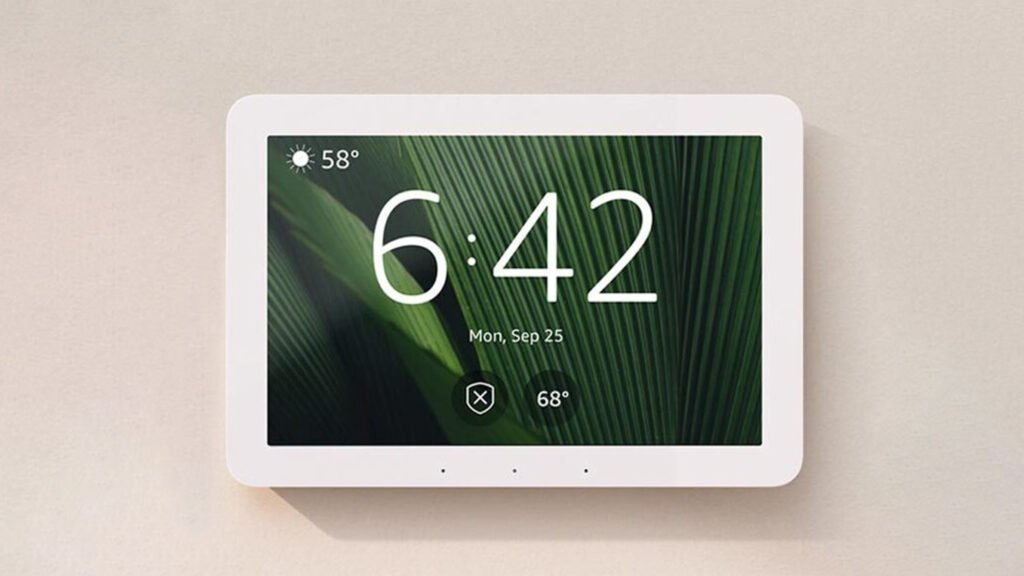
Amazon Echo Hub (Wall-Mounted Smart Home Dashboard)

Why it stands out: Designed specifically for smart home control with a touch-first interface.
View on AmazonEcho Show 8 (3rd Gen)
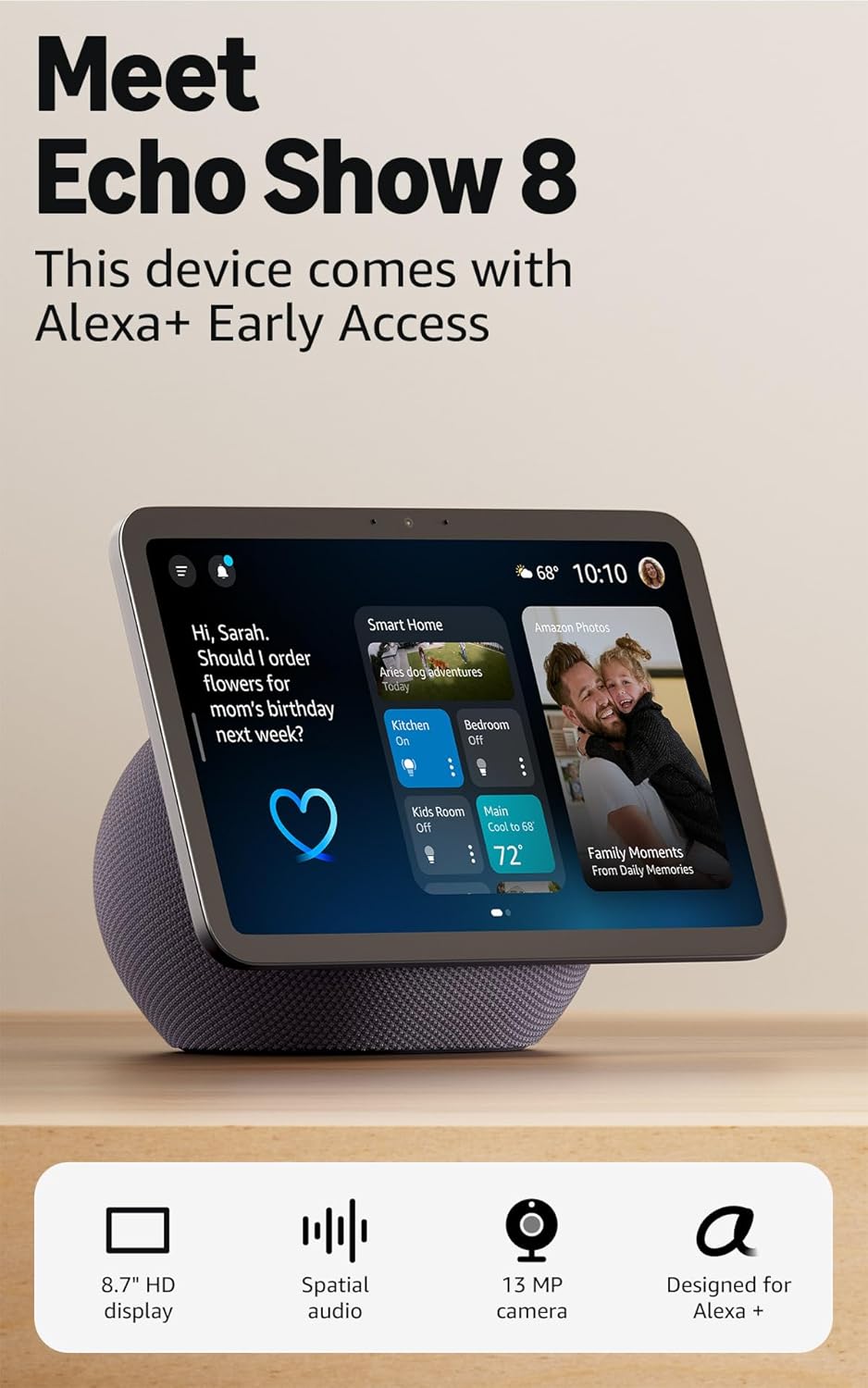
Why it stands out: Great balance of price, size, and performance.
View on AmazonEcho Show 15 (Kitchen & Command Center)
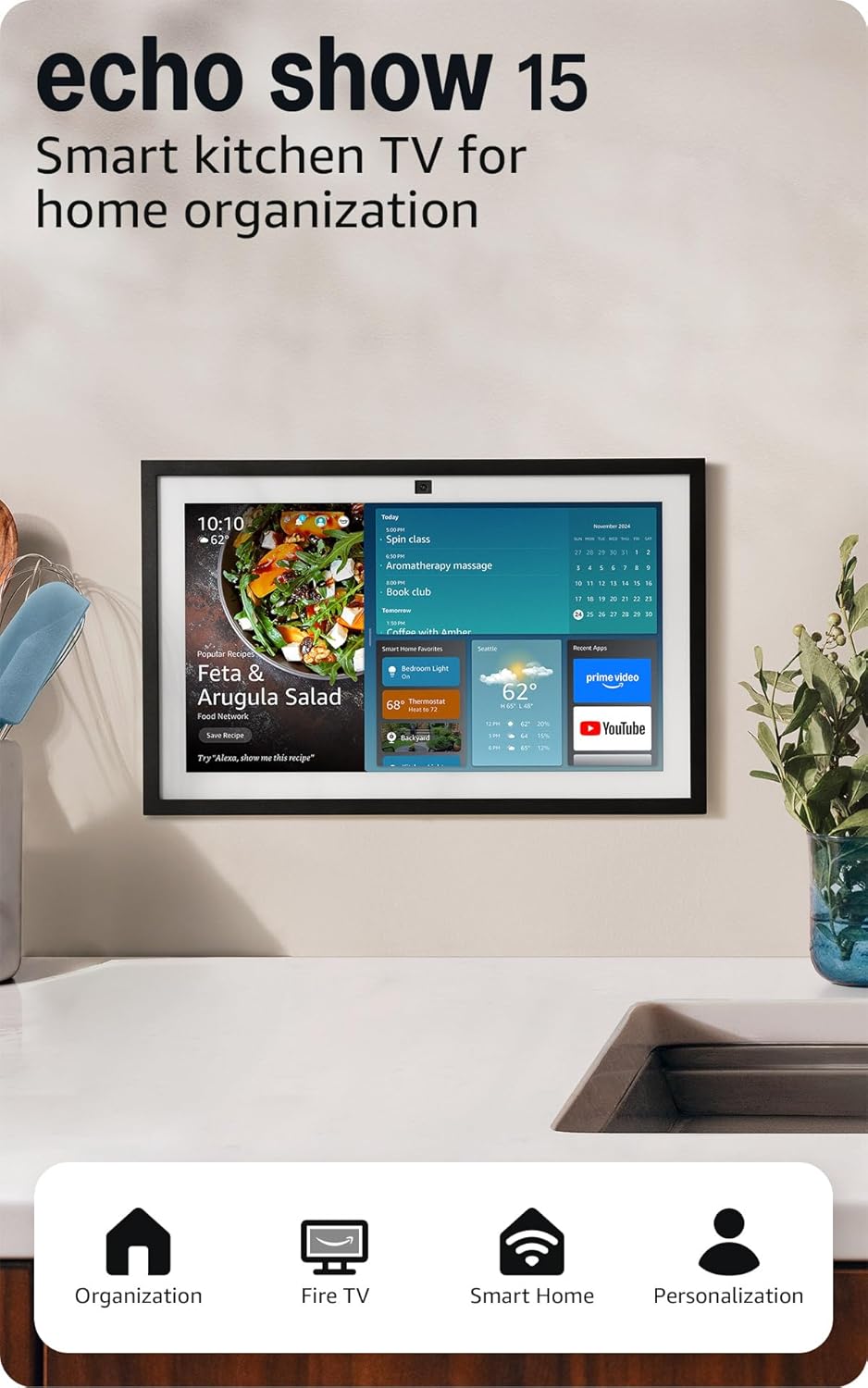
Why it stands out: Large screen perfect for routines, calendars, and camera feeds.
View on Amazon📊 Alexa Dashboard Device Comparison Table
| Device | Screen Size | Best Use Case | Wall Mount | Ideal For |
|---|---|---|---|---|
| Echo Hub | 8″ | Dedicated smart home control | ✅ Yes | Full dashboards |
| Echo Show 8 | 8″ | Everyday smart home + media | ❌ No | Budget users |
| Echo Show 15 | 15″ | Kitchen & family hub | ✅ Yes | Power users |
💡 Best Smart Devices to Control From Alexa


4
Must-Have Smart Devices:
- Smart Lights (Philips Hue, Kasa, Sengled)
- Smart Plugs (TP-Link, Amazon Smart Plug)
- Security Cameras (Ring, Blink)
- Smart Locks (August, Yale)
- Motion Sensors
All of these appear directly on your Alexa dashboard for instant control.
⚙️ Alexa Routines: The Real Power Move
Routines turn your dashboard into an automated system.
Popular High-CTR Alexa Routines:
- “Good Morning” → Lights on, weather, coffee plug
- “Leaving Home” → Lights off, doors locked, cameras armed
- “Movie Night” → Lights dim, TV on, notifications muted
- “Good Night” → Lock doors, lights off, sleep sounds
One command. Total control.
🛠️ How to Set Up Your Alexa Smart Home Dashboard (Step-by-Step)
- Plug in your Echo Hub or Echo Show
- Open the Alexa app
- Go to Devices → Add Device
- Link smart lights, cameras, plugs
- Arrange devices into Rooms
- Enable Smart Home Dashboard view
- Create your first routine
⏱️ Total setup time: 15–30 minutes
📈 Pro Tips for Maximum Performance
- Mount your hub at eye level
- Group devices by room
- Use short voice commands
- Name routines naturally (“Good Night”, not “Routine 4”)
- Keep dashboard clutter minimal
❓ Frequently Asked Questions (FAQ)
Can Alexa control all smart home devices?
Alexa works with thousands of smart devices, including lights, cameras, locks, plugs, and thermostats.
Do I need an Echo Hub for a dashboard?
No—but Echo Hub provides the best visual control experience. Echo Show devices work well too.
Can Alexa show live security cameras?
Yes. Alexa dashboards can display live feeds from compatible cameras like Ring and Blink.
Are Alexa routines hard to set up?
Not at all. Most routines take less than 2 minutes to create in the Alexa app.
Is Alexa good for apartments or renters?
Absolutely. Smart plugs, bulbs, and Echo devices require no wiring.
✅ Pros
- Centralized control
- Easy setup
- Works with most devices
- Scales over time
❌ Cons
- Requires Wi-Fi
- Best experience with Echo Hub / Show
- Some devices need brand apps
🎯 Final Verdict: Is an Alexa Smart Home Dashboard Worth It?
100% yes—if you want simplicity, automation, and control.
An Alexa dashboard:
- Reduces daily friction
- Makes your home feel intelligent
- Grows as you add devices
- Pays for itself in convenience
If you’re building a smart home in 2026, this is where it starts.
Pingback: Best Smart Devices for Caregivers (Who Can’t Be Home 24/7)
Pingback: Best Smart Doorbells 2025 (Top Picks for Home Security)
Pingback: Best Alexa Devices for Apartments and Renters (No Drilling)
Pingback: Do You Need a Smart Home Hub in 2026? (Simple Beginner Guide)