
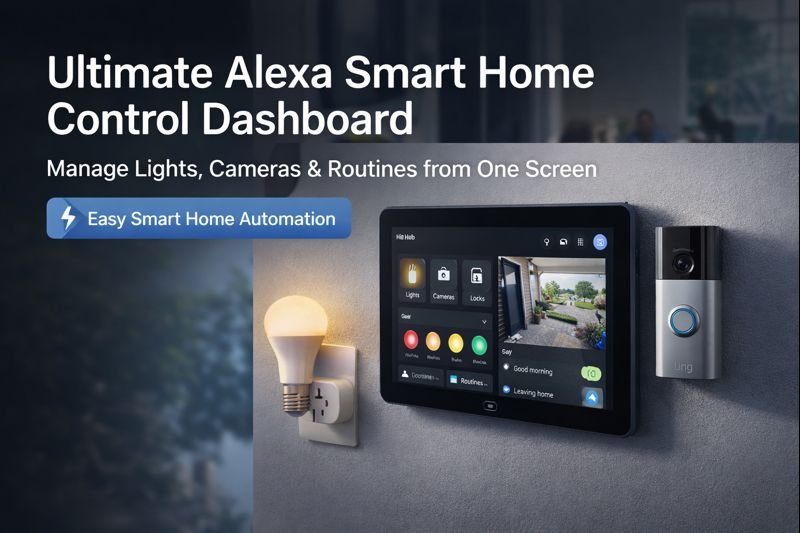
Imagine walking into your home and everything responds instantly—lights adjust, cameras appear on a single screen, doors lock, and routines run automatically. That’s the power of an Alexa Smart Home Control Dashboard.
This guide is designed to help you build a clean, powerful Alexa hub setup that controls lights, cameras, locks, and routines from one place—perfect for apartments, houses, and wall-mounted dashboards.
Quick Picks (Best Alexa Dashboard Devices for Control)
Don’t want to overthink your setup? Start here:
- 🏆 Best Overall: Echo Show 8 – best balance of size, performance, and smart home control
- 📺 Best Wall Dashboard: Echo Show 15 – ideal for full-home control and organization
- ⚙️ Best for Advanced Control: Echo Hub – dedicated smart home dashboard experience
- 💡 Best Add-On: Philips Hue Bulb – control lighting directly from your dashboard
👉 Simple rule: Use an Echo Show as your main dashboard, then add smart lights and devices to control everything in one place.
What Is an Alexa Smart Home Dashboard?
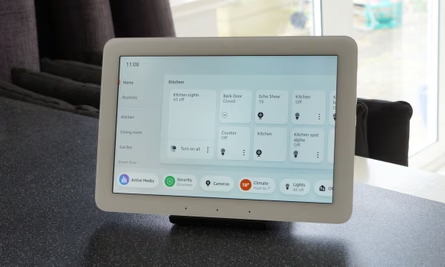
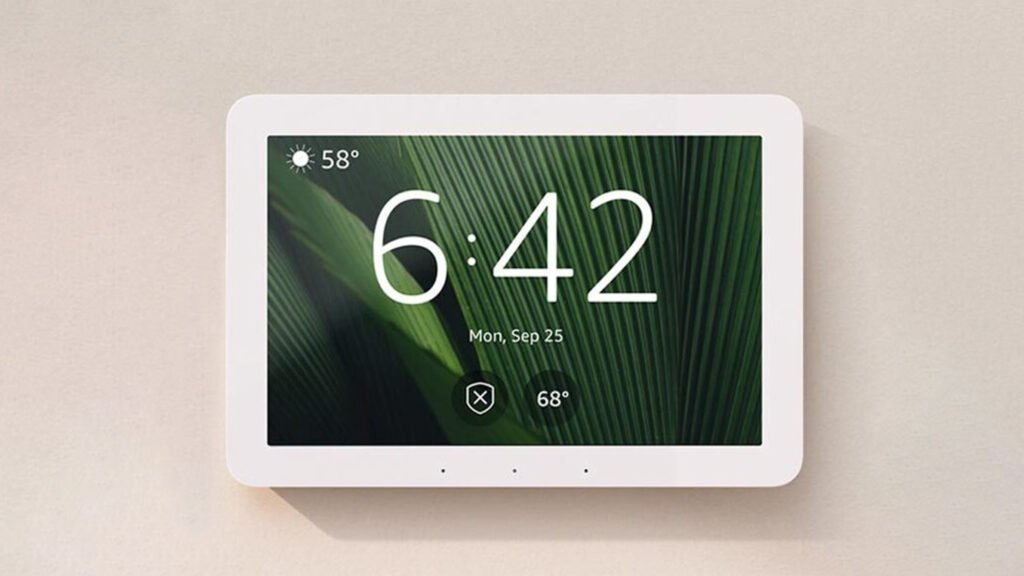
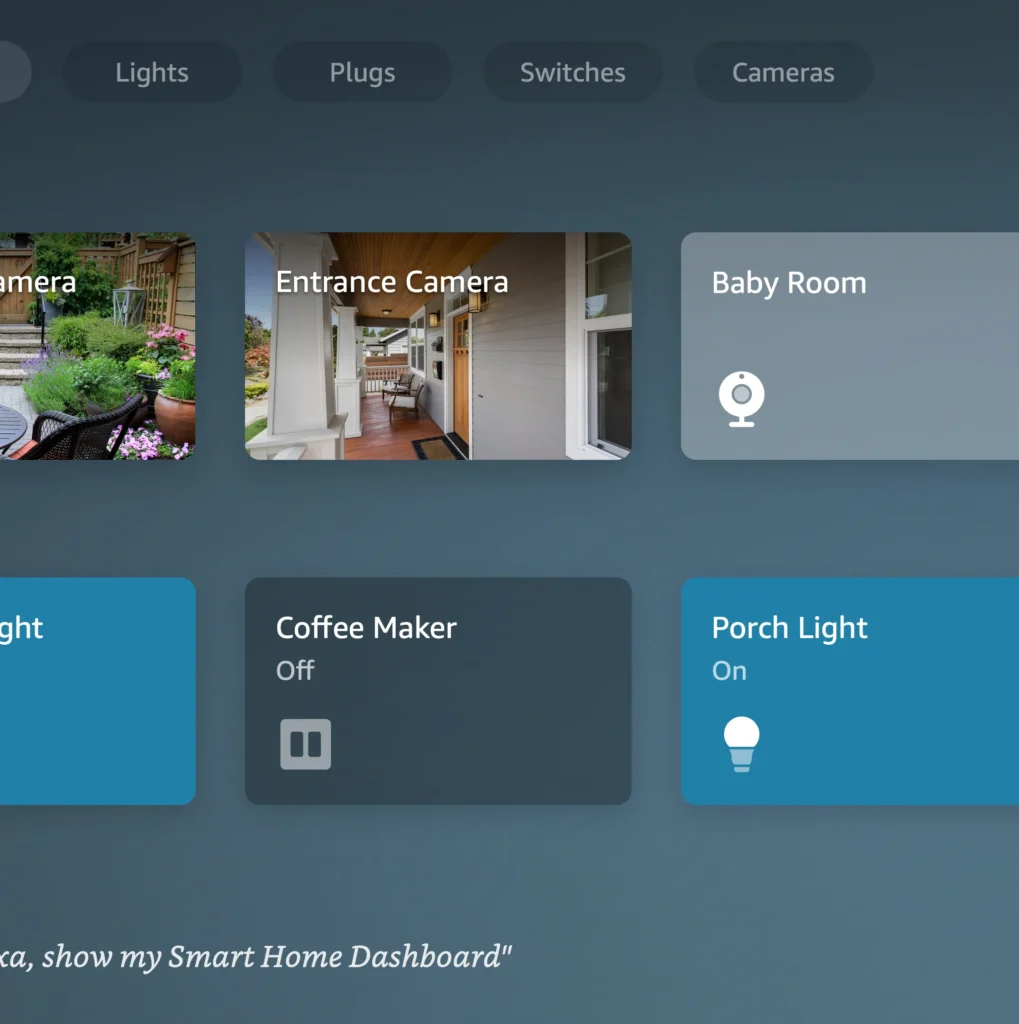
An Alexa smart home dashboard is a central screen (usually on an Echo Show or Echo Hub) that lets you control lights, cameras, and devices in one place.
👉 It acts as a visual control panel for your entire smart home.
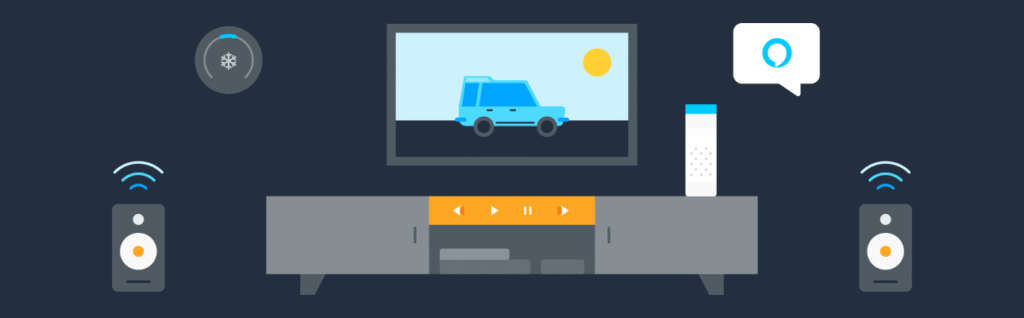
How to Set Up an Alexa Smart Home Dashboard (Step-by-Step)
Setting up an Alexa smart home dashboard is simple and doesn’t require advanced technical skills.
🔹 Step 1: Choose Your Device
Use an Echo Show or Echo Hub to display your dashboard.
🔹 Step 2: Connect Your Devices
Add smart lights, plugs, cameras, and sensors through the Alexa app.
🔹 Step 3: Customize Your Dashboard
Organize devices by room and add favorites for quick access.
🔹 Step 4: Create Routines
Set up routines like “Good Morning” or “Away Mode” to automate tasks.
👉 Key takeaway: Your dashboard becomes powerful when you combine devices + routines.
🔥 Why an Alexa Smart Home Dashboard Changes Everything
An Alexa dashboard isn’t just convenience—it’s control.
Benefits:
- One screen for lights, cameras, locks, plugs
- Hands-free voice control
- Visual control via Echo Hub or Echo Show
- Automations that run daily without effort
- Works with most major smart brands
If you want a command center for your home, Alexa delivers.
🔹 Who This Alexa Dashboard Is Perfect For
- Apartment renters (no wiring)
- Homeowners adding security
- Families managing routines
- Beginners building their first smart home
🧠 What Is an Alexa Smart Home Control Dashboard?
An Alexa Smart Home Control Dashboard is a centralized interface that allows users to control lights, cameras, locks, and routines from a single screen using Alexa-compatible devices.
An Alexa Smart Home Control Dashboard is a central interface—usually an Echo Hub or Echo Show—that lets you:
- View live camera feeds
- Toggle lights and plugs
- Lock/unlock doors
- Trigger routines
- Monitor sensors
Think of it as mission control for your home.
WHAT YOU ACTUALLY NEED FOR AN ALEXA DASHBOARD
Setting up an Alexa smart home dashboard is easier than most people think.
Here’s what you need:
- An Alexa device with a screen (like Echo Show)
- A few smart devices (lights, plugs, sensors)
- The Alexa app to organize and control everything
- A stable Wi-Fi connection
That’s it. No wiring, no drilling, and nothing that will affect your lease.
The key is choosing devices that work together smoothly.
🏆 Best Devices to Build the Ultimate Alexa Dashboard
🔷 Core Alexa Hub Devices
Amazon Echo Hub (Wall-Mounted Smart Home Dashboard)

Why it stands out: Designed specifically for smart home control with a touch-first interface.
View on AmazonEcho Show 8 (3rd Gen)
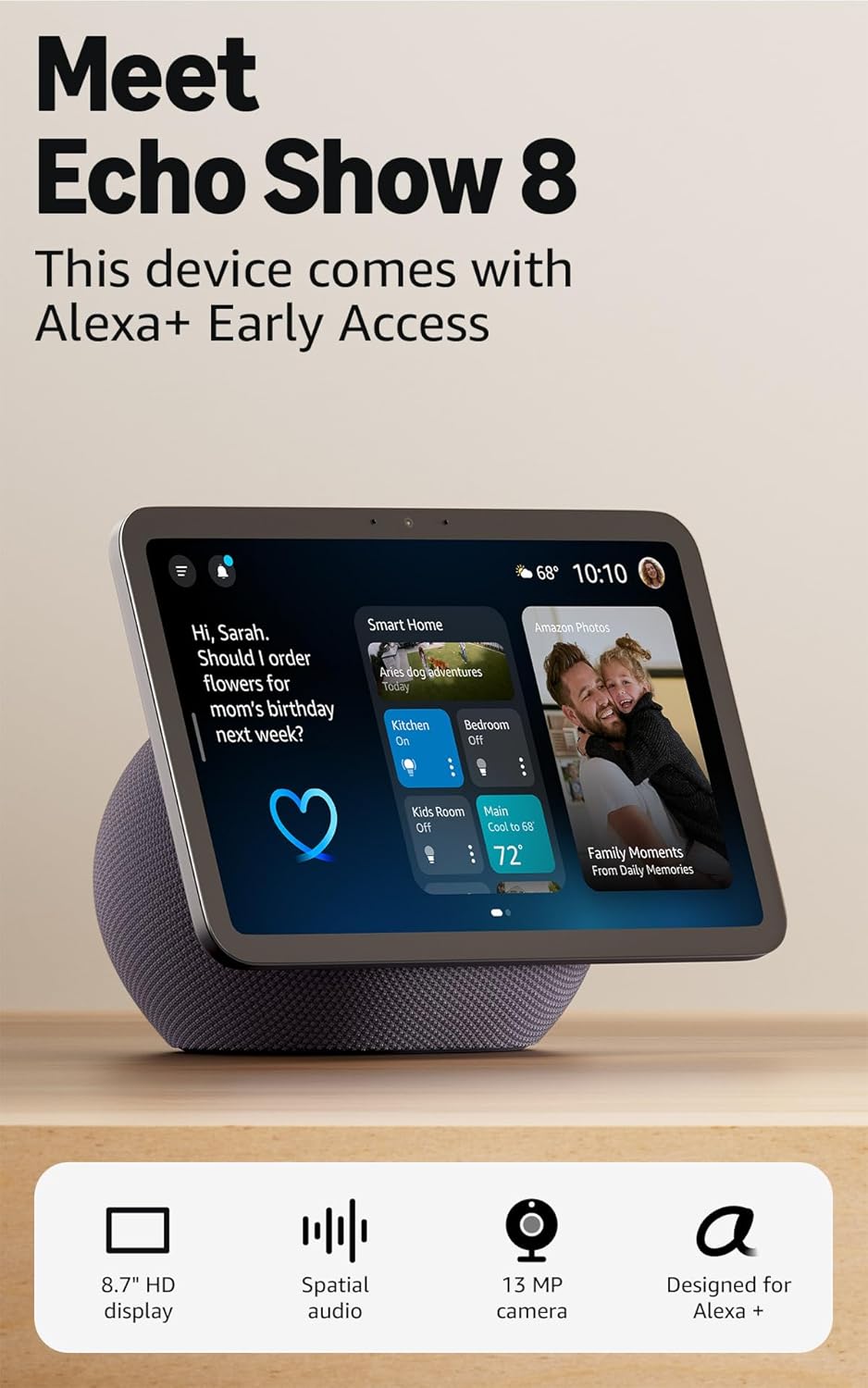
Why it stands out: Great balance of price, size, and performance.
View on AmazonEcho Show 15 (Kitchen & Command Center)
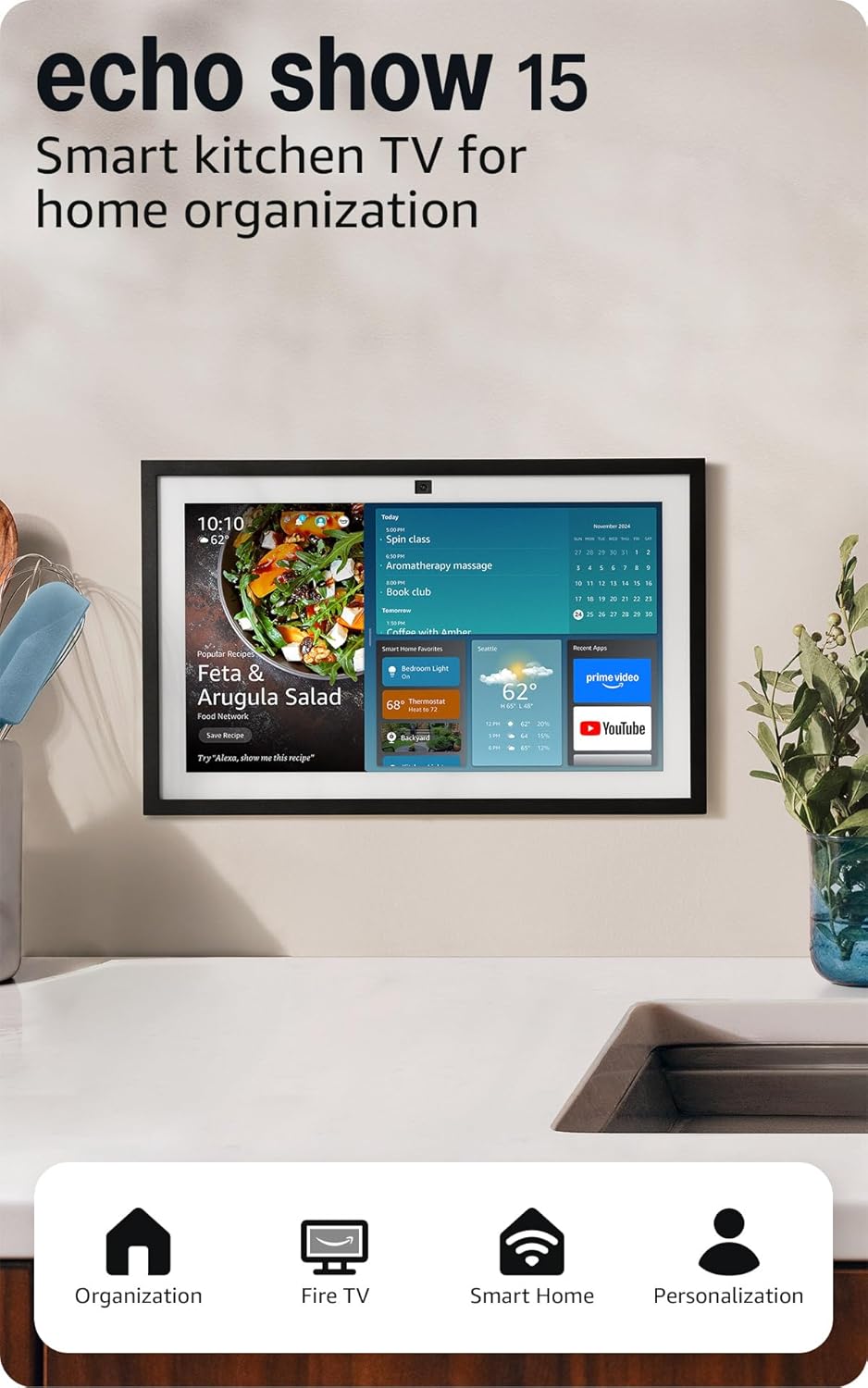
Why it stands out: Large screen perfect for routines, calendars, and camera feeds.
View on AmazonWHERE SHOULD YOU PLACE YOUR ALEXA DASHBOARD?
Placement plays a big role in how useful your dashboard actually is.
Best locations in a small apartment:
- Nightstand (for morning and night routines)
- Kitchen counter (central control area)
- Entryway (quick control when leaving or entering)
Avoid placing it where it’s hard to see or reach.
Your dashboard should be visible and accessible—otherwise, you won’t use it.
HOW TO BUILD A SIMPLE DASHBOARD SYSTEM
Instead of adding devices randomly, the best approach is building a simple system.
Here’s a basic dashboard setup:
- Echo Show → central control screen
- Smart bulbs → lighting control
- Smart plugs → appliances and devices
- Camera or sensor → monitoring and alerts
With this setup, your dashboard becomes a control center where everything is visible and easy to manage.
Start small and expand over time.
Best Alexa Dashboard Setups by Room
The best Alexa dashboard setup depends on where you place it in your apartment.
🔹 Living Room Dashboard
- Control lights and TV
- Monitor cameras
- Run routines
👉 Best for: central control
🔹 Kitchen Dashboard
- Timers and reminders
- Smart appliances
- Quick access to routines
👉 Best for: daily tasks
🔹 Bedroom Dashboard
- Lighting control
- Alarms and routines
- Smart plugs
👉 Best for: comfort and automation
👉 Key takeaway: Place your dashboard where you interact with your home the most.
BEST DASHBOARD LAYOUTS FOR SMALL APARTMENTS
The way you organize your dashboard matters just as much as the devices you use.
Here are the most effective layouts for small apartments:
Room-Based Layout
Group devices by room (living room, bedroom, kitchen) for easy navigation.
Function-Based Layout
Group devices by purpose (lighting, security, entertainment).
Routine-Based Layout
Create quick-access buttons for routines like “morning,” “leave,” or “goodnight.”
For most renters, a simple room-based layout is the easiest to manage.
Do You Actually Need an Alexa Smart Home Dashboard?
Not everyone needs a full dashboard setup—but it can make a big difference depending on your setup.
🔹 You SHOULD use a dashboard if:
- You have multiple smart devices
- You want visual control
- You use routines daily
🔹 You DON’T need one if:
- You only use a few devices
- You rely mostly on voice control
- You want a simple setup
👉 Best choice for most users:
If you’re building a smart home, a dashboard adds convenience and control.
📊 Alexa Dashboard Device Comparison Table
| Device | Screen Size | Best Use Case | Wall Mount | Ideal For |
|---|---|---|---|---|
| Echo Hub | 8″ | Dedicated smart home control | ✅ Yes | Full dashboards |
| Echo Show 8 | 8″ | Everyday smart home + media | ❌ No | Budget users |
| Echo Show 15 | 15″ | Kitchen & family hub | ✅ Yes | Power users |
DO YOU NEED A HUB FOR AN ALEXA DASHBOARD?
Most Alexa dashboard setups do not require a separate smart home hub.
Many devices connect directly through Wi-Fi and work with Alexa instantly.
You may need a hub if:
- You’re using Zigbee or advanced setups
- You want more complex automation systems
For most renters, keeping things simple without a hub is the best option.
💡 Best Smart Devices to Control From Alexa


4
Must-Have Smart Devices:
- Smart Lights (Philips Hue, Kasa, Sengled)
- Smart Plugs (TP-Link, Amazon Smart Plug)
- Security Cameras (Ring, Blink)
- Smart Locks (August, Yale)
- Motion Sensors
All of these appear directly on your Alexa dashboard for instant control.
⚙️ Alexa Routines: The Real Power Move
Routines turn your dashboard into an automated system.
Popular High-CTR Alexa Routines:
- “Good Morning” → Lights on, weather, coffee plug
- “Leaving Home” → Lights off, doors locked, cameras armed
- “Movie Night” → Lights dim, TV on, notifications muted
- “Good Night” → Lock doors, lights off, sleep sounds
One command. Total control.
🛠️ How to Set Up Your Alexa Smart Home Dashboard (Step-by-Step)
- Plug in your Echo Hub or Echo Show
- Open the Alexa app
- Go to Devices → Add Device
- Link smart lights, cameras, plugs
- Arrange devices into Rooms
- Enable Smart Home Dashboard view
- Create your first routine
⏱️ Total setup time: 15–30 minutes
📈 Pro Tips for Maximum Performance
- Mount your hub at eye level
- Group devices by room
- Use short voice commands
- Name routines naturally (“Good Night”, not “Routine 4”)
- Keep dashboard clutter minimal
COMMON DASHBOARD SETUP MISTAKES
Many people set up a dashboard but don’t get the full benefit because of a few common mistakes:
- Adding too many devices too quickly
- Not organizing devices properly
- Overcomplicating routines
- Ignoring screen placement (visibility matters)
The best dashboards are simple, clean, and easy to use at a glance.
❓ Frequently Asked Questions (FAQ)
Can Alexa control all smart home devices?
Alexa works with thousands of smart devices, including lights, cameras, locks, plugs, and thermostats.
Do I need an Echo Hub for a dashboard?
No—but Echo Hub provides the best visual control experience. Echo Show devices work well too.
Can Alexa show live security cameras?
Yes. Alexa dashboards can display live feeds from compatible cameras like Ring and Blink.
Are Alexa routines hard to set up?
Not at all. Most routines take less than 2 minutes to create in the Alexa app.
Is Alexa good for apartments or renters?
Absolutely. Smart plugs, bulbs, and Echo devices require no wiring.
✅ Pros
- Centralized control
- Easy setup
- Works with most devices
- Scales over time
❌ Cons
- Requires Wi-Fi
- Best experience with Echo Hub / Show
- Some devices need brand apps
REAL-LIFE DASHBOARD USE SCENARIOS
This is where a smart home dashboard becomes powerful—real everyday use.
Morning Routine
Check the weather, turn on lights, and start your day from one screen.
Leaving Your Apartment
Tap one button to turn everything off and activate security.
At Night
Dim lights, shut down devices, and create a relaxed environment instantly.
Quick Check While Busy
Glance at your dashboard to see what’s on, what’s off, and what needs attention.
A dashboard removes friction—it makes control instant.
🎯 Final Verdict: Is an Alexa Smart Home Dashboard Worth It?
100% yes—if you want simplicity, automation, and control.
An Alexa dashboard:
- Reduces daily friction
- Makes your home feel intelligent
- Grows as you add devices
- Pays for itself in convenience
If you’re building a smart home in 2026, this is where it starts.
Pingback: Best Smart Devices for Caregivers (Who Can’t Be Home 24/7)
Pingback: Best Smart Doorbells 2025 (Top Picks for Home Security)
Pingback: Best Alexa Devices for Apartments and Renters (No Drilling)
Pingback: Do You Need a Smart Home Hub in 2026? (Simple Beginner Guide)