
Last Updated: February 14, 2026
Introduction
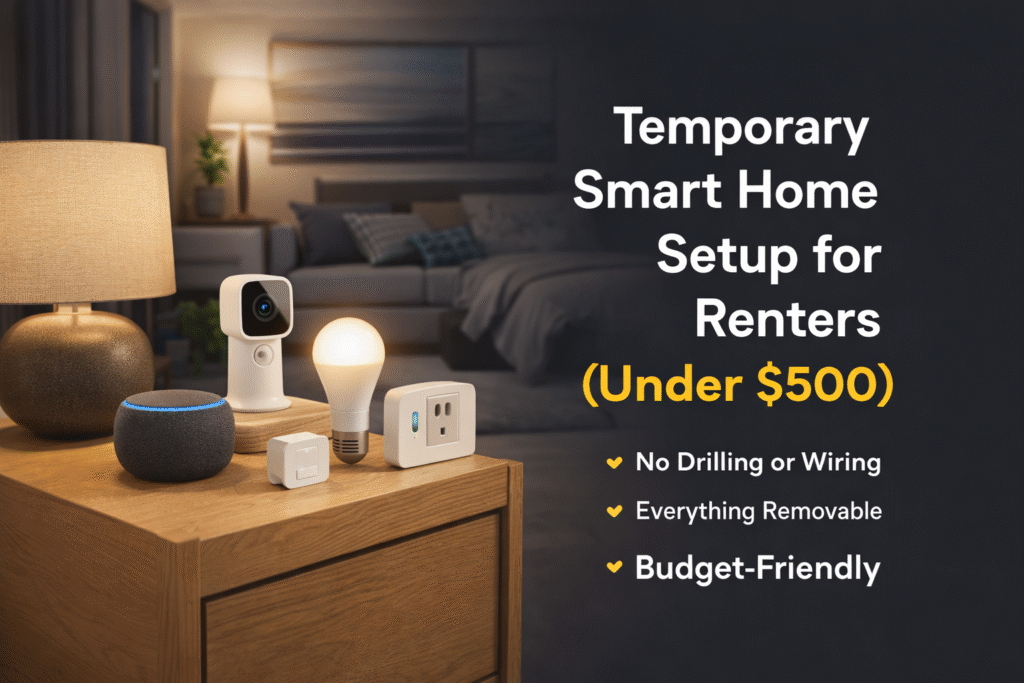
If you’re renting, you don’t want to drill holes, rewire walls, or install anything that could cost you your security deposit. But you also don’t want to live in a “dumb” apartment. This guide shows you how to build a temporary smart home setup for renters that stays under $500 while remaining fully portable.
The good news? You can build a temporary smart home setup for renters under $500 that’s portable, powerful, and completely lease-safe.
This guide shows you exactly what to buy, how to set it up, and how to maximize automation — without permanent installation. Once your devices are installed, you can enhance your system with powerful routines from our guide to Alexa automation ideas for small apartments.
Everything here is:
- Plug-and-play
- Battery-powered or outlet-based
- Easy to remove when you move
- Budget-conscious
Let’s build a smart apartment the right way.
Quick Picks (Temporary Smart Home Setup Under $500)
Don’t want to piece everything together? Start here:
- 🏆 Control Hub: Echo Dot (5th Gen) – voice control for your entire setup
- 🔌 Automation: TP-Link Kasa Smart Plug Mini – automate lamps and appliances
- 💡 Lighting: Philips Hue White Smart Bulb – simple, smart lighting control
- 📷 Security Camera: Blink Mini – monitor your apartment remotely
- 🚪 Entry Sensor: Ring Alarm Contact Sensor – track doors and windows
👉 Simple rule: Start with an Echo Dot, then add plugs, lights, and sensors to build a complete renter-friendly setup.
WHAT “TEMPORARY” SMART HOME ACTUALLY MEANS
A temporary smart home setup isn’t about cutting corners—it’s about flexibility.
For renters, “temporary” means:
- No drilling or permanent installation
- Easy to remove when moving out
- Devices that can be unplugged, reset, and reused
- No damage to walls, doors, or fixtures
The goal is to build a system that works like a permanent smart home—but without the commitment.
This is what makes renter-friendly setups so powerful.
What Smart Home Devices Do You Actually Need in an Apartment?
If you’re new to smart home tech, it’s easy to feel overwhelmed by all the options.
The truth is — most apartment setups only need a few key devices to make a big impact:
- Smart plugs (for lamps and small appliances)
- Smart lights or bulbs
- A smart speaker (like Alexa or Google Assistant)
- Basic security devices (camera or sensors)
You don’t need a full system to get started.
👉 Start small, then build your setup based on your lifestyle and budget.
Best Smart Home Setup by Budget (Under $500)
You don’t need to spend the full $500 to get started. Here’s how to build your setup based on your budget:
🔹 $100 Setup (Starter)
- Smart speaker
- 1–2 smart plugs
👉 Best for: beginners
🔹 $250 Setup (Balanced)
- Smart speaker
- Smart plugs + bulbs
- Basic automation routines
👉 Best for: daily convenience
🔹 $500 Setup (Full Apartment Setup)
- Smart speaker
- Smart lighting + plugs
- Indoor camera
- Door/window sensors
👉 Best for: full automation + security
👉 Key takeaway: Start small and expand as needed.
⚡ Quick Verdict
If you want the fastest path to a renter-friendly smart home under $500, start with:
- 1 Smart Speaker (hub)
- 4 Smart Plugs
- 4 Smart Bulbs
- 1 Indoor Camera
- 1 Door/Window Sensor Kit
This gives you lighting control, automation routines, security, and energy savings — without drilling or wiring.
Step-by-Step: Build a Temporary Smart Home Setup Under $500
If you’re starting from scratch, here’s the easiest way to build a renter-friendly smart home setup step by step:
🔹 Step 1: Start with a Smart Speaker
- Echo Dot or similar
👉 This becomes your control center
🔹 Step 2: Add Smart Plugs
- Control lamps, fans, and appliances
👉 Instant automation without wiring
🔹 Step 3: Add Smart Lighting
- Replace bulbs with smart bulbs
👉 Control brightness and schedules
🔹 Step 4: Add Basic Security
- Indoor camera or door sensors
👉 Monitor your apartment
🔹 Step 5: Set Up Routines
- Morning, night, and away modes
👉 Automate everything
👉 Key takeaway: Build in layers—don’t try to do everything at once.
👤 Who This Is For
This setup is ideal for:
- Apartment renters
- College students
- People who move frequently
- Anyone on a $500 smart home budget
- Renters who don’t want landlord permission
If you need everything to be removable and portable, this is your blueprint.
Table of Contents
Do You Need a Hub for Smart Home Devices?
Not all smart home devices require a hub — and for apartment renters, that’s a big advantage.
Many modern devices connect directly through:
- WiFi
- Bluetooth
- Voice assistants like Alexa
However, some ecosystems (like Zigbee or Matter setups) may use a hub for better automation and reliability.
👉 If you’re just starting out, choose devices that work without a hub for a simpler setup.
Best Temporary Smart Home Setups by Apartment Type
Your ideal setup depends on your space and lifestyle.
🔹 Studio Apartment Setup
- Smart speaker
- 1–2 smart plugs
- Smart bulb
👉 Best for: simple control
🔹 1-Bedroom Apartment Setup
- Smart speaker
- Multiple plugs and bulbs
- Camera or sensors
👉 Best for: balanced setup
🔹 Security-Focused Setup
- Camera
- Door/window sensors
- Motion alerts
👉 Best for: safety and monitoring
👉 Key takeaway: Customize your setup based on how you live—not just your budget.
What Should You Buy First for a Temporary Smart Home?
If you’re overwhelmed, here’s the simplest way to start:
🔹 Step 1: Buy a Smart Speaker
👉 Control everything with voice
🔹 Step 2: Add Smart Plugs
👉 Instant automation
🔹 Step 3: Add Lighting or Security
👉 Upgrade your setup
👉 Best starter combo: Echo Dot + smart plug
🔌 Best Devices for a Temporary Smart Home Setup for Renters
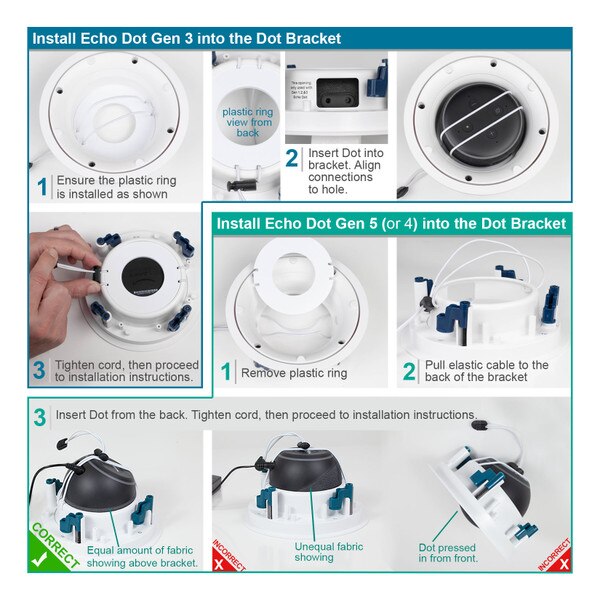
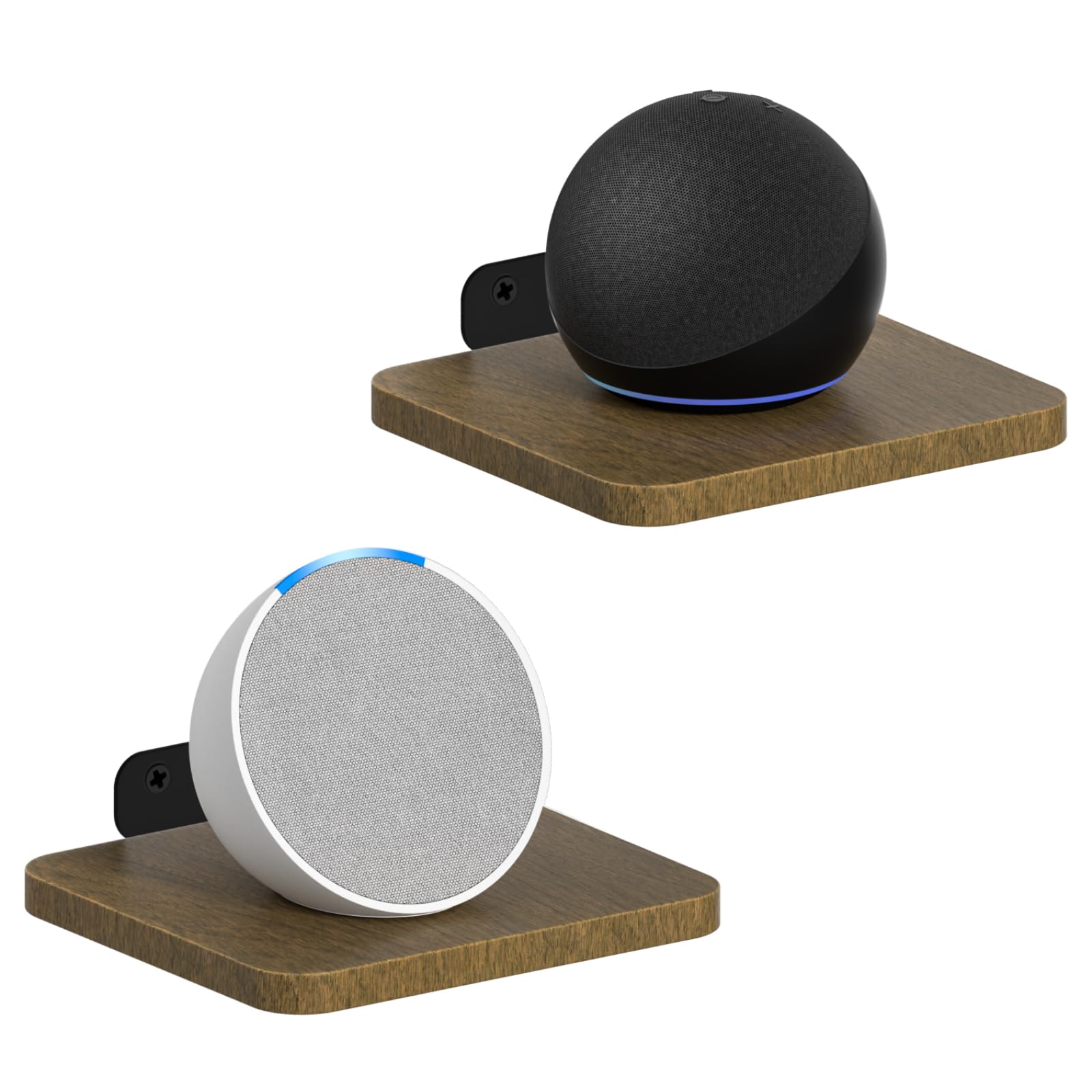
1. Amazon Echo Dot (5th Gen)
Why It’s Essential:
Acts as the automation brain for your temporary smart home setup for renters.
Estimated Price: ~$50
Amazon Affiliate Box
- Product: Amazon Echo Dot (5th Gen)
- Installation: Plug-in
- Renter-Friendly: ✅
- 👉 Check Price on Amazon
All of these products are part of a broader list of no-drill smart home devices for renters designed specifically for lease-safe installations.
2. TP-Link Kasa Smart Plug Mini


Why You Need It:
Turns lamps, fans, and coffee makers into smart devices.
Estimated Price: ~$40 (4-pack)
Amazon Affiliate Box
- Product: TP-Link Kasa Smart Plug Mini
- Installation: Plug-in
- Renter-Friendly: ✅
- 👉 Check Price on Amazon
3. Philips Hue White Smart Bulb
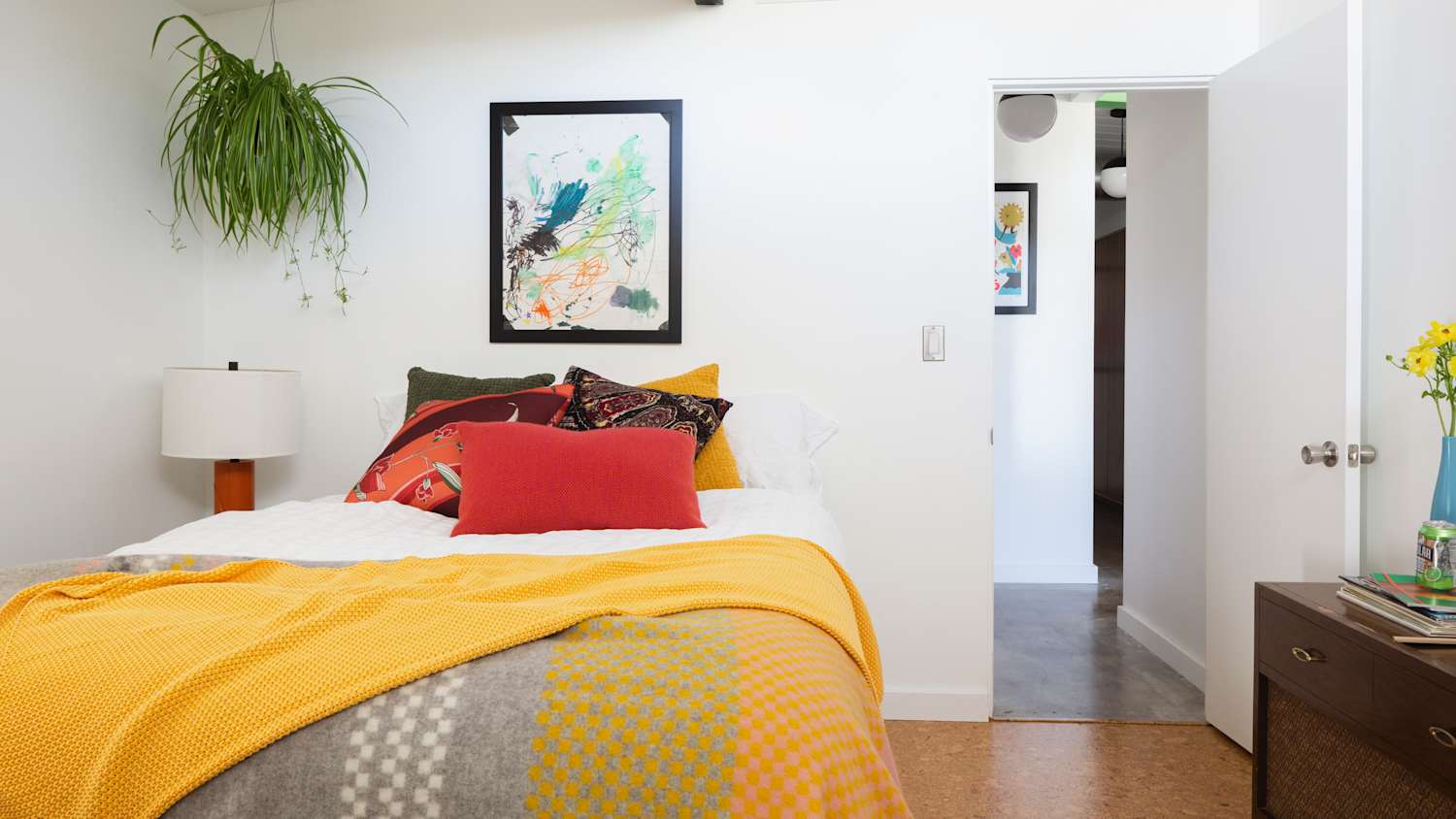

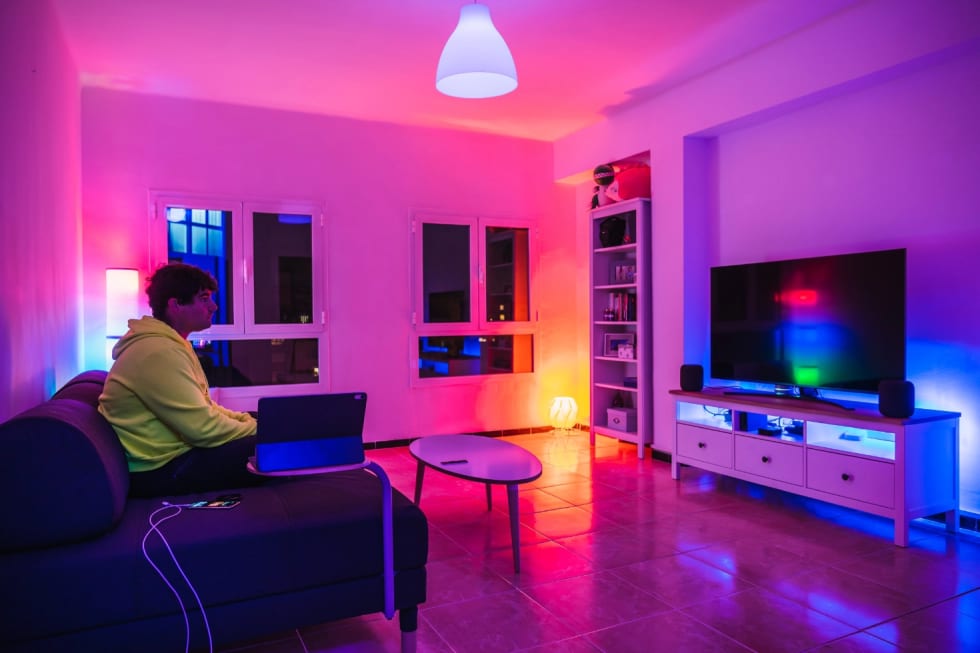
Why It’s Smart:
No wiring. Just replace existing bulbs.
Estimated Price: ~$60 (4-pack)
Amazon Affiliate Box
- Product: Philips Hue White Smart Bulb
- Installation: Screw-in
- Renter-Friendly: ✅
- 👉 Check Price on Amazon
4. Blink Mini

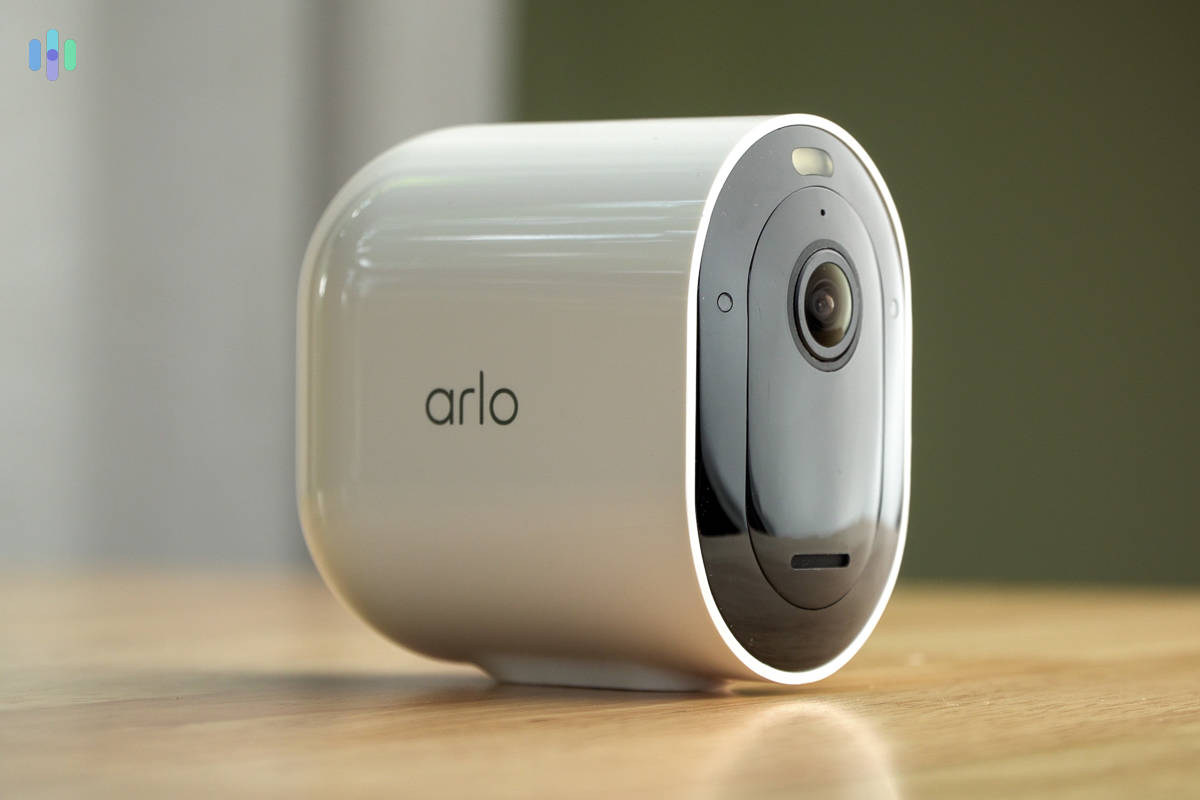
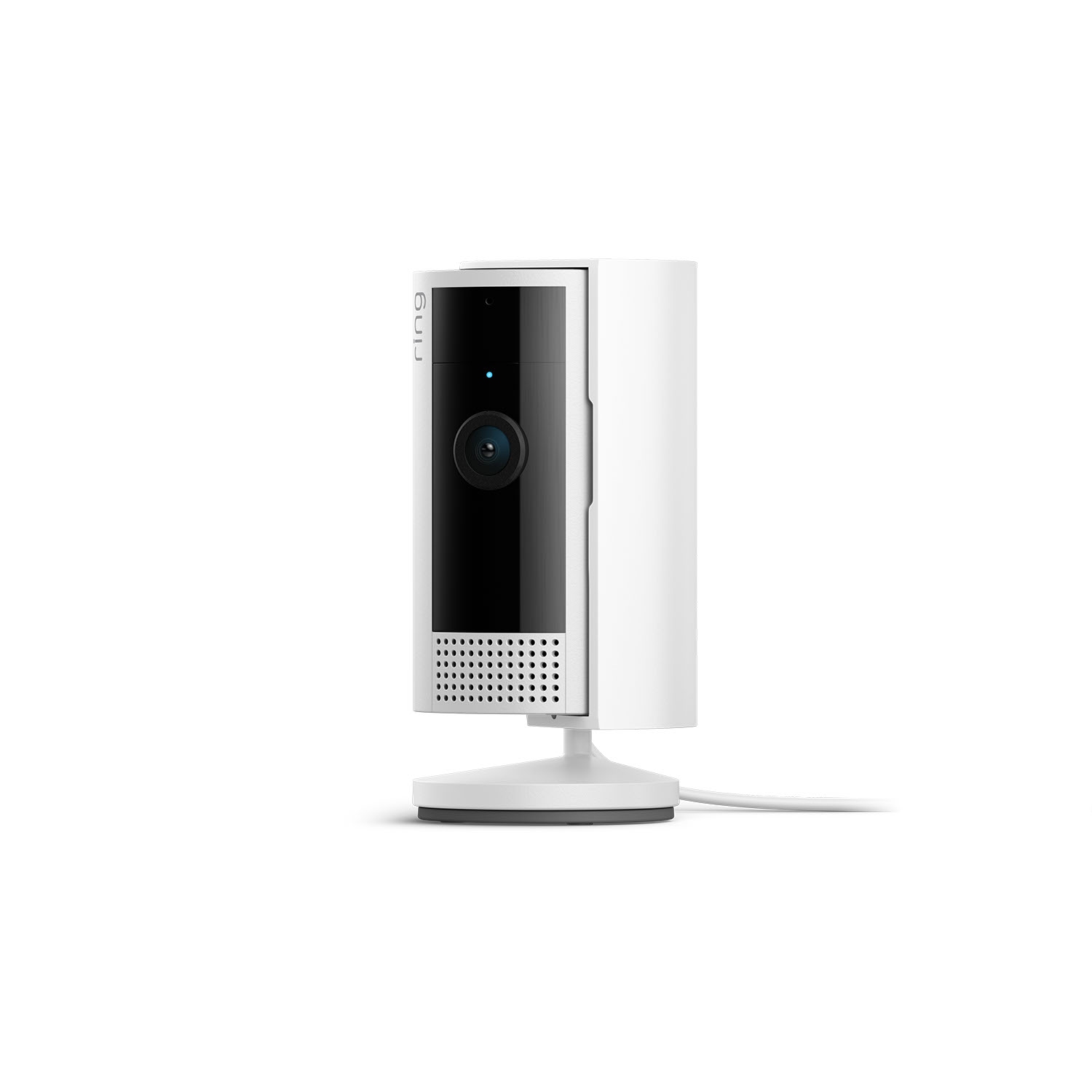
Estimated Price: ~$35
Amazon Affiliate Box
- Product: Blink Mini
- Installation: Plug-in
- Renter-Friendly: ✅
- 👉 Check Price on Amazon
5. Ring Alarm Contact Sensor


Estimated Price: ~$40 starter pack
Amazon Affiliate Box
- Product: Ring Alarm Contact Sensor
- Installation: Adhesive mount
- Renter-Friendly: ✅
- 👉 Check Price on Amazon
For a more complete security layout, see our full apartment security setup guide for renters.
Best Smart Home Devices for Apartments Without WiFi
Not every apartment has reliable WiFi — and some renters want devices that still work offline.
While most smart devices rely on internet connectivity, some offer limited functionality without WiFi, such as:
- Local control via Bluetooth
- Devices with built-in storage
- Hub-based systems that operate locally
However, features like remote access and alerts usually require internet.
👉 If your WiFi is unreliable, consider devices that offer local control as a backup.
🏠 How to Set Up Your Apartment Smart Home
- Install smart speaker first
- Add smart plugs to main outlets
- Replace bulbs in high-use areas
- Mount camera using adhesive strip
- Attach door sensors with removable tape
Total Estimated Cost: ~$225–$350
Room to upgrade while staying under $500.
📊 Device Comparison Table
| Device | Purpose | Installation | Portable | Approx. Cost |
|---|---|---|---|---|
| Echo Dot | Voice hub | Plug-in | ✅ | $50 |
| Kasa Smart Plug | Appliance control | Plug-in | ✅ | $40 |
| Philips Hue Bulb | Lighting | Screw-in | ✅ | $60 |
| Blink Mini | Indoor security | Plug-in | ✅ | $35 |
| Ring Sensor | Entry alerts | Adhesive | ✅ | $40 |
BEST USE CASES FOR A TEMPORARY SETUP
Temporary smart home setups work best when focused on practical upgrades.
Here’s where they shine:
- Lighting automation → no wiring required
- Basic security → cameras and sensors you can remove anytime
- Energy savings → smart plugs reduce wasted power
- Convenience → control everything from your phone or voice
These small upgrades make a big difference without requiring permanent changes.
Budget Smart Home Setup for Apartments
You don’t need to spend hundreds of dollars to build a smart apartment.
A simple, budget-friendly setup can include:
- A smart plug for under $20
- A basic smart bulb
- An entry-level smart speaker
- One security device (camera or sensor)
This setup gives you automation, voice control, and basic security without overspending.
👉 Start with essentials and upgrade over time instead of buying everything at once.
HOW LONG DOES IT TAKE TO SET UP?
One of the biggest advantages of a temporary setup is how fast it is to install.
Most renters can:
- Set up a smart speaker in minutes
- Connect plugs and bulbs in under 10 minutes
- Install cameras and sensors in under 30 minutes
In most cases, you can build your entire smart home system in less than an hour.
⚡ Decision Shortcut
If you:
- Want basic automation → Get speaker + plugs
- Want lighting control → Add smart bulbs
- Want security → Add camera + sensors
- Want full smart apartment → Buy all five
Stay portable. Stay under $500.
You can also explore our curated list of Alexa-compatible smart devices for renters to expand your setup.
🔗 Related Internal Guides
To expand your setup, read:
- Alexa Automation Ideas for Small Apartments
- No-Drill Smart Home Devices for Renters
- Apartment Security Setup Guide
🌐 Authoritative External Resource
For official smart home compatibility standards, visit:
https://csa-iot.org/all-solutions/matter/
COMMON MISTAKES RENTERS MAKE
Many renters make the mistake of treating temporary setups like permanent ones.
Avoid these common issues:
- Buying devices that require drilling or wiring
- Overcomplicating the system early
- Choosing devices that don’t work together
- Ignoring Wi-Fi coverage in the apartment
The best setups are simple, flexible, and easy to manage.
❓ Frequently Asked Questions
Can I install smart home devices without landlord permission?
Yes. All devices listed are removable and non-permanent.
Will this void my lease?
No. There is no drilling or wiring involved.
Can I take everything when I move?
Yes. Every device is portable.
Is $500 enough for a full setup?
Yes. This guide shows how to build one for under that budget.
👤 Author & Trust Section
Craig is the founder of TopRatedByCraig.com, specializing in renter-friendly smart home systems. His focus is helping renters build powerful smart apartments without violating lease agreements.
All recommendations are:
- Tested for apartment compatibility
- Lease-safe
- Budget-conscious
- Portable for future moves
Are Smart Home Devices Worth It for Renters?
For renters, smart home devices offer convenience without permanent installation.
They allow you to:
- Control lighting and devices remotely
- Improve security without drilling or wiring
- Customize your space without violating your lease
Most devices are portable, meaning you can take them with you when you move.
👉 For apartments, smart home tech is one of the easiest ways to upgrade your living space without long-term commitment.
Final Thoughts
A temporary smart home setup for renters doesn’t require thousands of dollars.
With the right devices and smart planning, you can build a powerful, portable, under-$500 system that upgrades your apartment instantly — without permanent installation.
Smart doesn’t mean permanent.
Smart means intentional.
Pingback: Best No-Drill Smart Locks for Apartments (Won’t Void Lease)
Pingback: Cheap Smart Home Devices for Small Apartments Under $100