
Last Updated: February 20, 2026
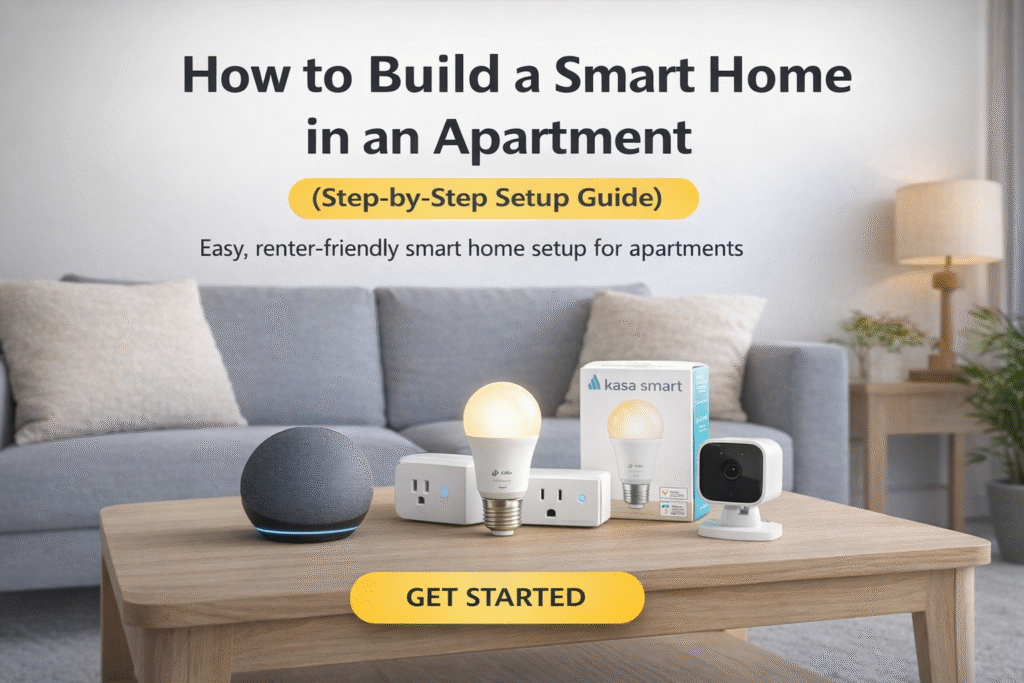
Building a smart home in an apartment is easier than most renters think.
You don’t need to drill holes.
You don’t need to rewire anything.
And you definitely don’t need to risk your security deposit.
This step-by-step guide shows you exactly how to build a smart home in an apartment, using renter-friendly, affordable, and easy-to-install devices.
⚡ Quick Verdict
If you want the fastest, simplest setup:
- Start with a smart speaker
- Add smart plugs
- Install smart bulbs
- Upgrade to a battery-powered security camera
- Optional: Add a no-drill smart lock or doorbell
You can build a complete apartment smart home in under an hour.
👤 Who This Is For
This guide is for:
- Apartment renters
- College students
- First-time smart home users
- Budget-conscious buyers
- Anyone who cannot modify walls or wiring
If you’re looking for budget picks, read:
👉 Cheap Smart Home Devices for Small Apartments Under $100
- Quick Verdict
- Who This Is For
- Recommended Apartment Smart Home Setup
- Step 1: Choose a Smart Hub
- Step 2: Add Smart Plugs
- Step 3: Upgrade Your Lighting
- Step 4: Add Indoor Security
- Step 5: Upgrade Entry Security
- Why Build a Smart Home in an Apartment?
- FAQ: How to Build a Smart Home in an Apartment
- Final Verdict
- About the Author
🔎 Recommended Apartment Smart Home Setup
| Category | Recommended Device | Why It Works in Apartments |
|---|---|---|
| Smart Hub | Echo Dot | Compact & affordable |
| Smart Plug | Kasa Smart Plug | No wiring required |
| Smart Bulb | Kasa Smart Bulb | Screw-in install |
| Camera | Blink Mini | Plug-and-play |
| Door Security | Ring Battery Doorbell | No drilling option |
Step 1: Choose a Smart Hub
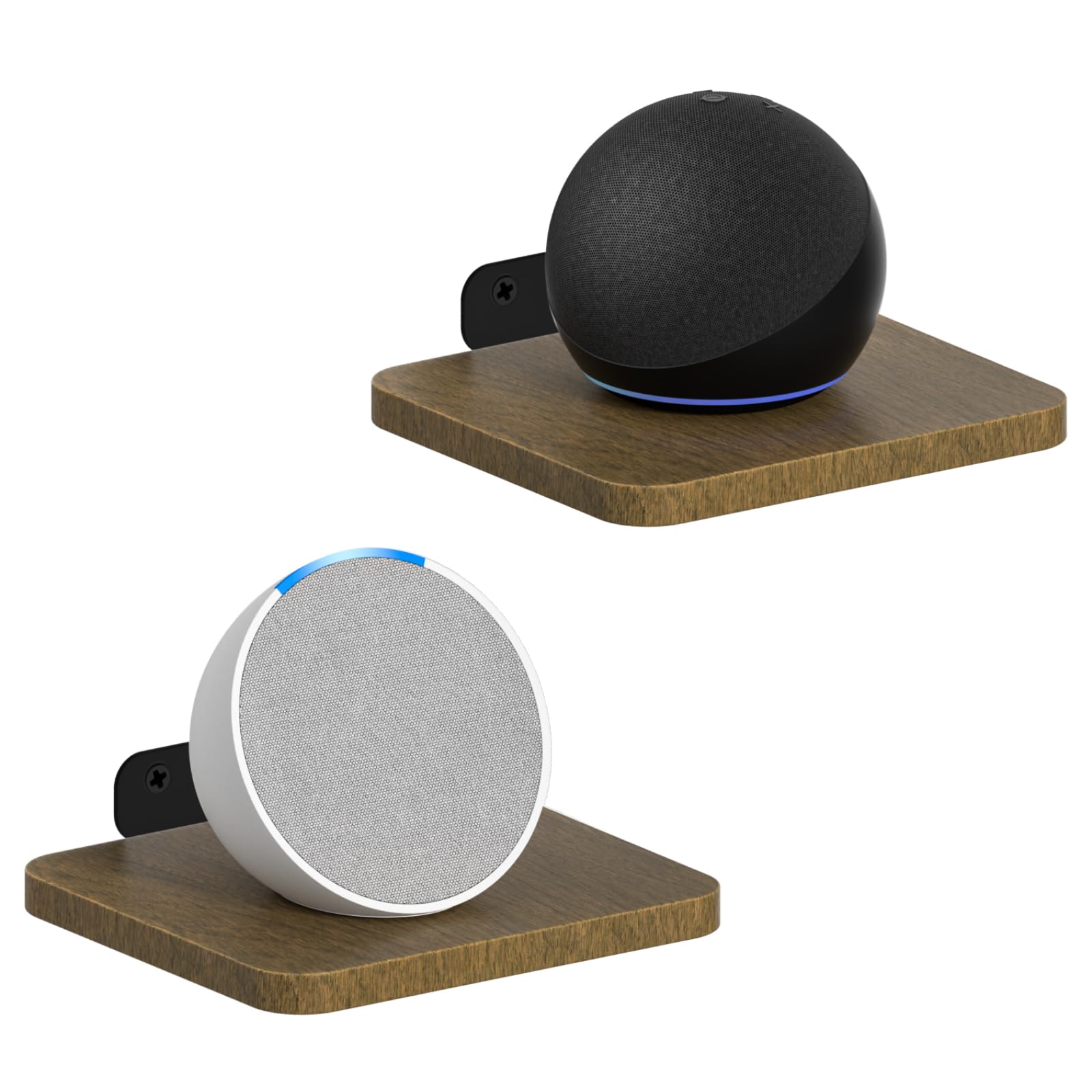
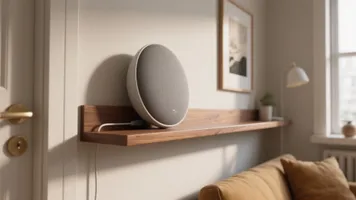

Amazon Echo Dot is the simplest starting point.
Why:
- Controls other devices
- Small footprint
- Affordable
- Alexa compatible
Step 2: Add Smart Plugs


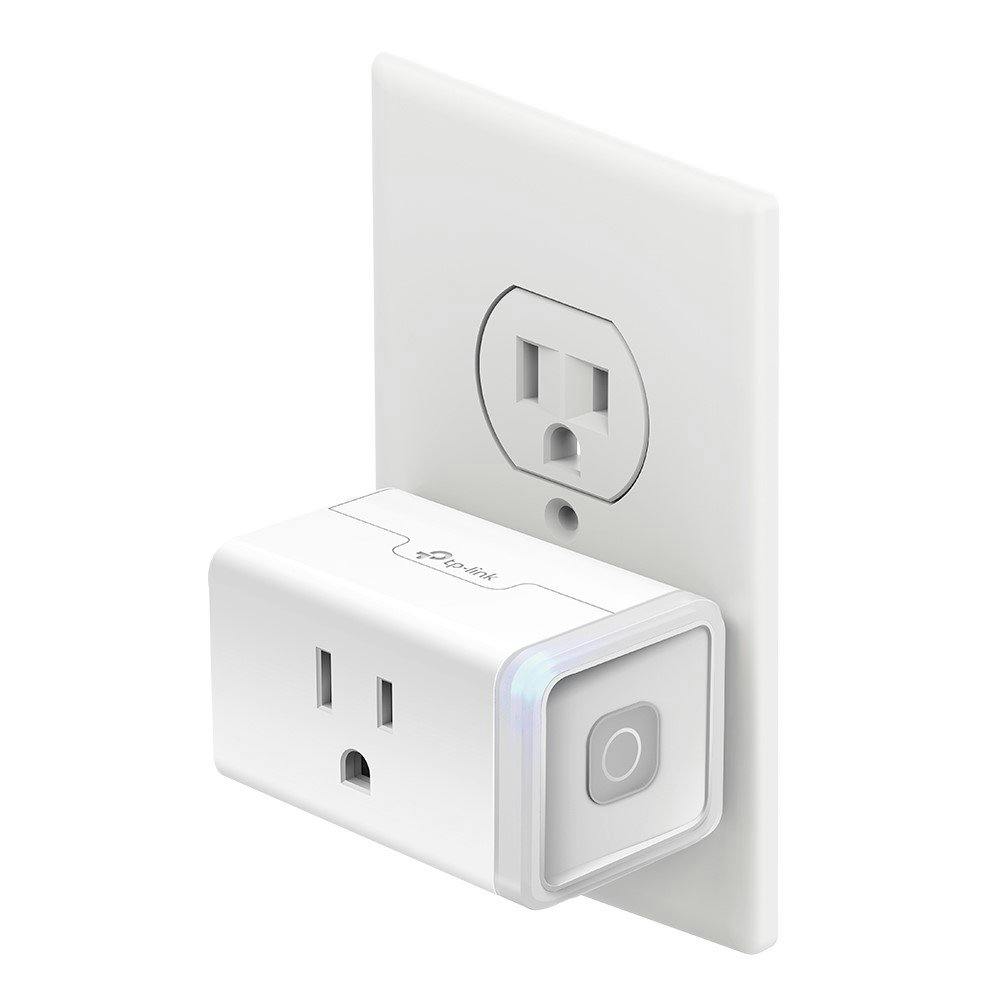
Kasa Smart Plug Mini allows you to control lamps, fans, and coffee makers instantly.
No wiring. No tools.
Step 3: Upgrade Your Lighting


TP-Link Kasa Smart Light Bulb installs like a normal bulb.
No electrician needed.
Step 4: Add Security
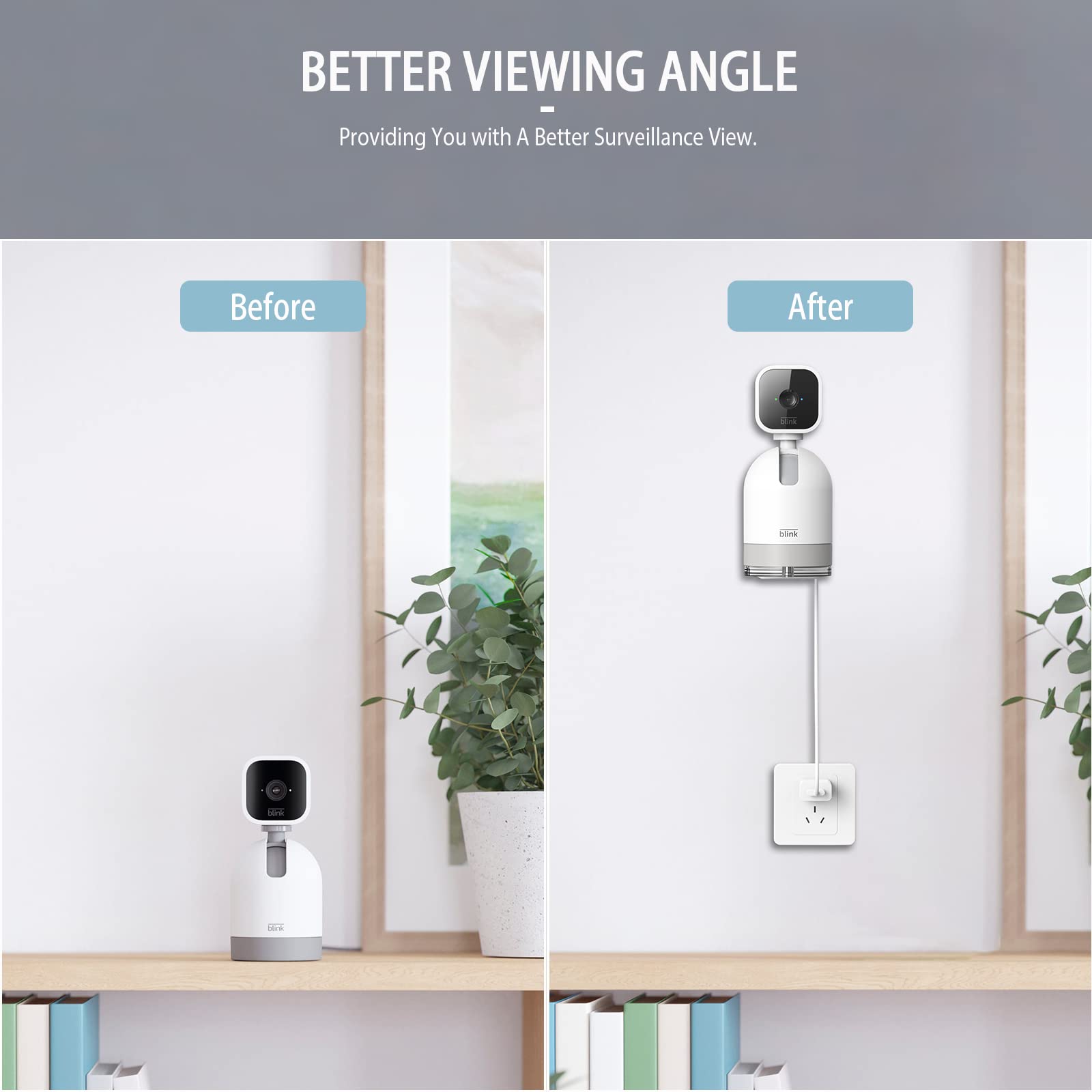


Blink Mini provides affordable indoor monitoring.
If you want entry security, read:
👉 Best Doorbell Cameras for Apartments Without Drilling
Step 5: Upgrade Entry Security
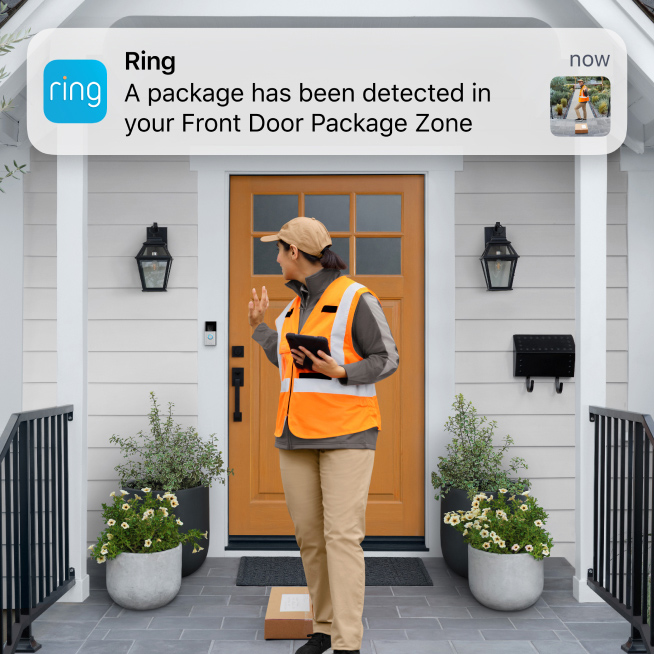

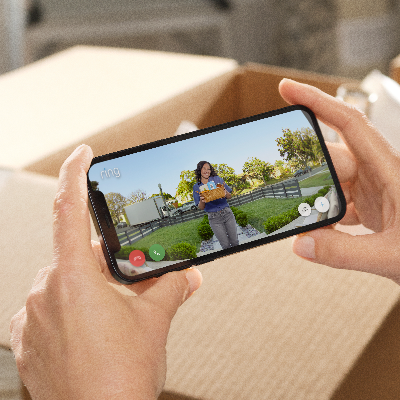
Ring Battery Doorbell Plus works with removable mounts.
For locks, see:
👉 Best No-Drill Smart Locks for Apartments
🎯 Decision Shortcut
If you want:
- Voice control → Start with Echo Dot
- Smart lighting → Add bulbs
- Appliance control → Use plugs
- Security → Add camera
- Entry protection → Add doorbell
Build in phases. No rush.
💡 Why Building a Smart Home in an Apartment Makes Sense
Building a smart home in an apartment isn’t just about convenience — it’s about flexibility.
Unlike homeowners, renters need solutions that are:
- Easy to install
- Easy to remove
- Budget-friendly
- Compact for small spaces
The good news is that most modern smart home devices are modular. You can start with one smart speaker, add lighting next, then expand into security when you’re ready. There’s no need to invest thousands upfront.
A smart apartment setup also improves:
- Energy efficiency
- Daily routines
- Remote monitoring
- Voice control convenience
- Safety without permanent modifications
The key is choosing devices that work together and don’t require drilling or rewiring. When done correctly, building a smart home in an apartment is one of the most practical upgrades a renter can make.
❓ FAQ: How to Build a Smart Home in an Apartment
Can I build a smart home without drilling?
Yes. Most renter-friendly devices are plug-and-play.
Do I need a hub?
Not necessarily. Many devices connect directly via Wi-Fi.
Will this void my lease?
Battery-powered and removable devices are generally safe, but always review your lease terms.
Is it expensive?
You can start under $100 and expand gradually.
According to Consumer Reports, modular smart home systems provide flexibility for renters and small spaces.
🏆 Final Verdict
Learning how to build a smart home in an apartment is about starting small and expanding intentionally.
You don’t need a house.
You don’t need renovations.
You just need the right devices.
Start simple. Expand later.
👨💻 About the Author
Craig is the founder of TopRatedByCraig.com, focused on renter-friendly smart home solutions. His mission is to help apartment dwellers build smarter, safer homes without damaging property or overspending.
Pingback: Best Matter Hubs for Apartments (No Drilling)
Pingback: Alexa Built-In vs Dedicated Hub: Which Is Better?
Pingback: Matter vs Alexa for Renters (2026 Guide)
Pingback: Philips Hue vs Govee for Small Apartments (2026 Comparison)
Pingback: Best Alexa Devices Under $50 for Renters (Budget Picks)
Pingback: Alexa vs Matter for Apartments: Which System Wins?