
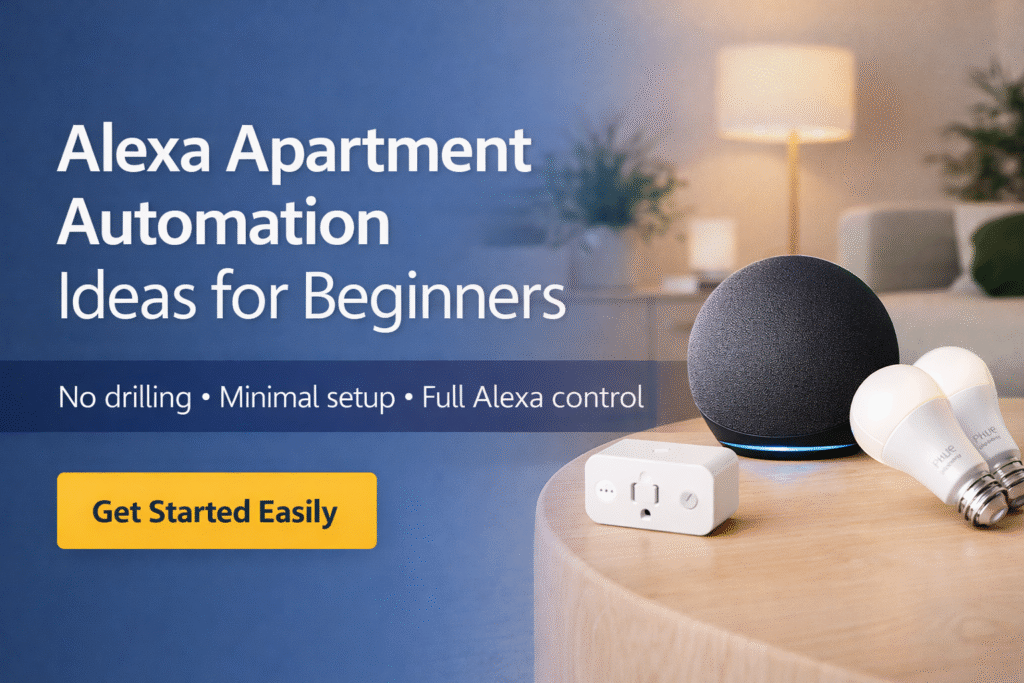
Introduction
Alexa apartment automation ideas can feel overwhelming for renters who want smart features without risking their lease. Many renters exploring Alexa apartment automation make a costly mistake: assuming any smart device is safe to install. That often leads to permanent wiring, landlord conflicts, or bulky gear that doesn’t fit a small space. The real friction is emotional—worrying about losing your deposit, feeling overwhelmed by too many choices, and ending up with a setup you can’t easily take with you.
This guide keeps things simple and renter-safe. Instead of overcomplicating your setup, it focuses on lease-friendly, removable solutions that actually work in apartments. You’ll follow a clear three-stage approach: start with plug-and-play basics, expand with flexible upgrades, and scale only when it still makes sense for your space. If you’re starting on a budget, explore these best Alexa devices under $100 for renters to build a smart setup without overspending. These Alexa apartment automation ideas are designed to keep your setup simple, removable, and fully renter-friendly.
Quick Picks (Best Devices for Alexa Apartment Automation – Beginners)
- Best Overall: Amazon Echo (4th Gen) – The brain of your smart apartment. Controls routines, voice commands, and connects all your devices in one place.
- Best for Easy Automation: Amazon Smart Plug – The simplest way to start. Plug it in and automate lights, coffee makers, or fans in minutes.
- Best for Smart Lighting: Philips Hue White Starter Kit – Perfect for beginners who want automated lighting with schedules, voice control, and easy setup.
What Is Alexa Automation and How Does It Work?
Alexa automation allows you to control multiple smart devices automatically using routines.
These routines are built using two main components: triggers and actions. A trigger is what starts the routine, such as a voice command, a scheduled time, or motion detected by a sensor. The action is what happens next, such as turning on lights, playing music, or powering off devices.
Instead of controlling each device manually, you can set routines that run automatically in the background. In an apartment, this makes it easy to automate everyday tasks without needing complex setups or wiring.
For example, you can create a routine that turns on lights when you enter a room or powers everything down at night with a single command.
👉 This makes your smart home more convenient, efficient, and hands-free.
👤 Who This Is For
- Renters who want Alexa automation without permanent installation
- People in small apartments with limited outlet and wall options
- Those worried about landlord permissions and deposit risk
- Budget-aware users seeking Alexa automation on a rental timeline
- Frequent movers needing portable, transferable smart setups
📑 Table of Contents
- Introduction
- Who This Is For
- Quick Comparison Table
- Decision Shortcut
- FAQs
- Final Verdict
- About the Author
📊 Alexa Apartment Automation Ideas: Quick Comparison
| Product | Contract Required | DIY Install | Monitoring Option | Best For | Works With Alexa |
|---|---|---|---|---|---|
| Amazon Smart Plug | No long-term contract | Yes (removable setup) | Optional monthly plan | Renters planning long-term growth | Yes |
| Philips Hue White Starter Kit | No long-term contract | Yes (wireless & adhesive) | Optional month-to-month | Quick setup & simple control | Yes |
| Amazon Echo (4th Gen) | No long-term contract | Yes (compact & wireless) | Optional low-cost plan | Budget-friendly small apartments | Yes |
How to Set Up Alexa Automation in an Apartment
Setting up Alexa automation is simple and beginner-friendly.
Basic steps:
- Open the Alexa app
- Go to “Routines”
- Tap “Create Routine”
- Choose a trigger (voice, time, or device)
- Add actions (lights, plugs, music, etc.)
- Save and test
Most automations can be set up in minutes.
👉 This makes Alexa ideal for renters who want a simple setup.
How Alexa Routines Execute (Order and Priority)
When multiple actions are included in a routine, Alexa follows a specific execution order.
Actions typically run in the sequence they are set, which means timing and order can affect how your automation behaves. For example, turning on lights before triggering music can create a smoother experience than running both at the same time.
Understanding this helps you build routines that feel natural instead of delayed or out of sync.
Do You Need Smart Devices for Alexa Automation?
Yes — Alexa automation works best when connected to smart devices.
Common devices used in automation include:
- Smart plugs
- Smart bulbs
- Motion or door sensors
While Alexa can perform basic actions on its own, automation becomes much more powerful with connected devices.
👉 The more devices you add, the more advanced your automation can be.
Amazon Smart Plug
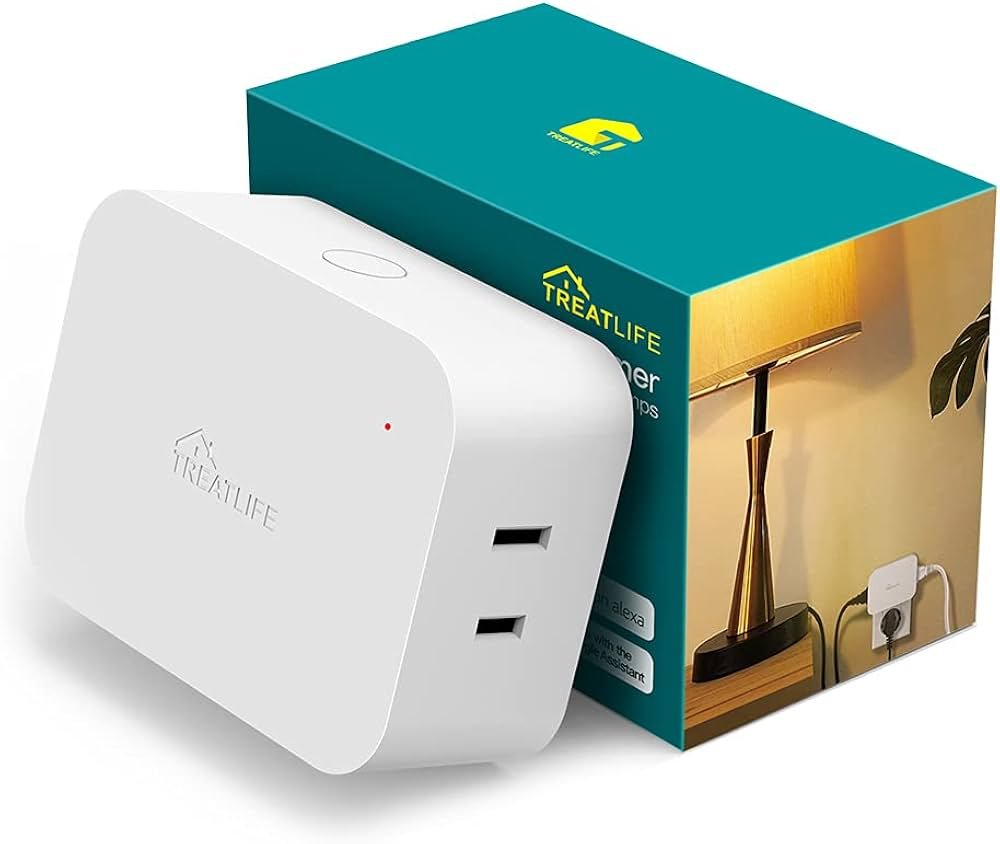
Best For: Beginners testing Alexa automation for the first time
What It Is: A compact plug that turns appliances into Alexa-controlled devices without rewiring.
Why Renters Love It: Unobtrusive, portable, and easy to remove when you move.
Real-Life Scenario: Schedule a lamp or coffee maker via Alexa routines in a rented studio.
One Limitation: Requires a nearby outlet.
Philips Hue White Starter Kit
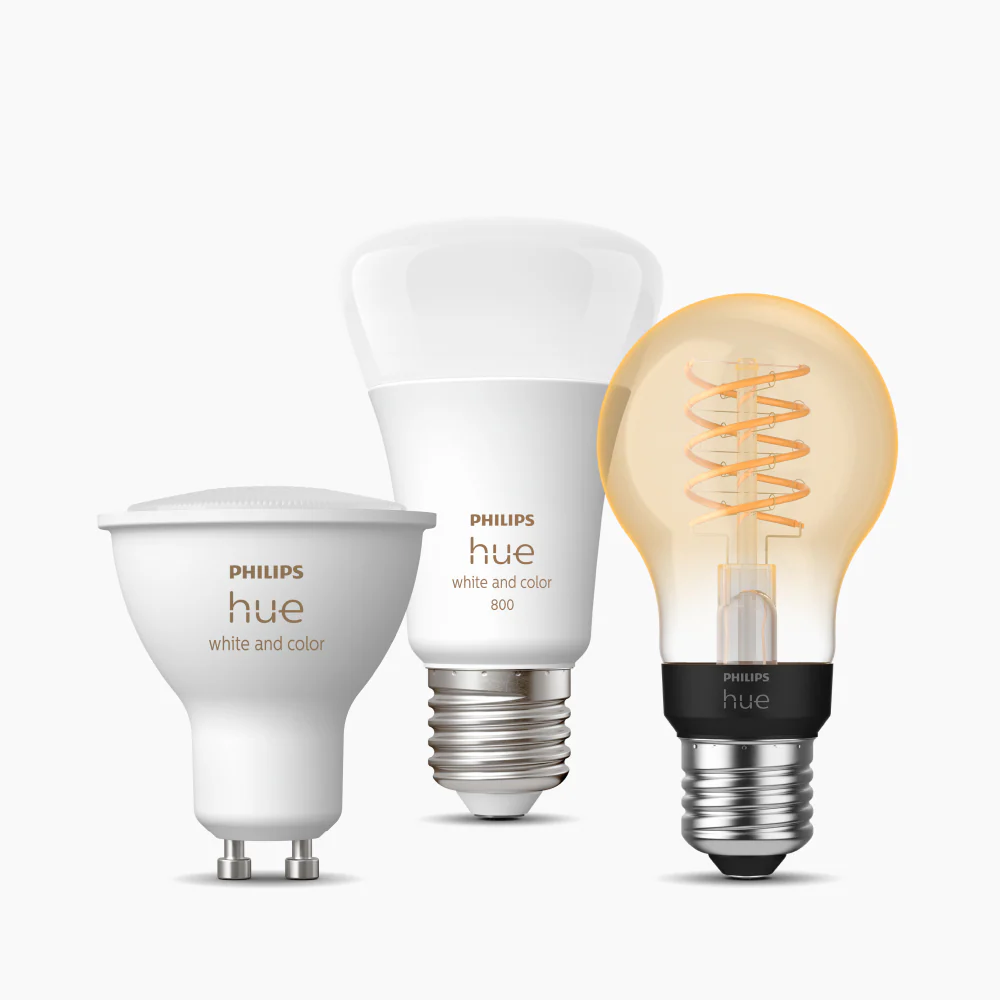
Best For: Small apartments with limited outlets
What It Is: A starter kit of smart bulbs and a bridge to expand Alexa lighting control.
Why Renters Love It: Bright, energy-efficient lighting that works with existing fixtures without wiring.
Real-Life Scenario: Create schedules and scenes for living room lighting in a rented apartment.
One Limitation: Higher upfront cost than single bulbs.
Amazon Echo (4th Gen)
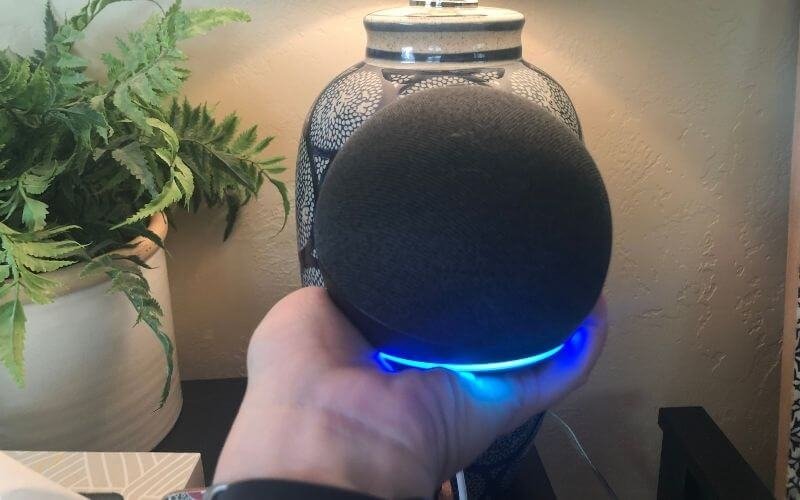
Best For: Renters ready to connect multiple devices
What It Is: A voice-first smart speaker and local hub that runs Alexa and connects smart devices.
Why Renters Love It: Combines Alexa voice control with a built-in hub to reduce extra hardware.
Real-Life Scenario: Control lights, plugs, and routines hands-free in a compact living space.
One Limitation: May not replace specialized smart hubs.
How to Group Devices for Better Alexa Automation
As your setup grows, organizing your devices becomes more important.
Grouping devices by room or function allows Alexa to control multiple devices with a single command or routine. For example, grouping all living room lights together makes it easier to automate lighting without controlling each device individually.
This structure improves both performance and ease of use, especially in apartment setups where space is limited.
Best Alexa Automation Ideas for Apartments
Alexa automation can make apartment living easier and more efficient.
Popular ideas include:
- Morning routine: Turn on lights and play news
- Night routine: Turn off lights and lock doors
- Away routine: Simulate activity while you’re out
- Motion lighting: Automatically turn on lights when you enter a room
👉 These automations reduce effort and improve convenience.
Scheduled vs Real-Time Automation: Which Is Better?
There are two main ways to run Alexa automation: scheduled routines and real-time triggers.
Scheduled routines run at specific times, making them ideal for predictable tasks like turning lights on in the evening. Real-time automation responds to events like motion or device activity, making it more dynamic.
Most effective setups combine both approaches to balance consistency and responsiveness.
Do not choose based on features alone. Basic setup gives fast, removable Alexa automation. Growing setup adds a small bridge for broader device compatibility without permanent changes. Full coverage uses a centralized hub for robust control while staying removable. Choose based on lease rules, space limits, and whether you’ll move soon.
🎯 Decision Shortcut
Quick path to Alexa automation choices.
- Basic setup: Removable smart plugs and bulbs for instant Alexa control.
- Growing setup: Add a bridge to link more devices while staying non-permanent.
- Full coverage: Centralized hub for the most integrated control that remains lease-safe.
Basic setup: Removable smart plugs and bulbs for instant Alexa control. If you want to take it further, explore these best Alexa routines for apartments to automate your daily habits.
❓ FAQs
Will Alexa automation break my lease?
Most plug-and-play Alexa devices don’t require landlord permission. Document removable installation and avoid hardwired changes to stay lease-compliant.
Can I use Alexa with my apartment thermostat?
Some smart thermostats work with Alexa but may require landlord approval if they replace existing hardware. If in doubt, use smart vents or a smart plug strategy that doesn’t alter fixed equipment.
How do I keep my Alexa setup portable when I move?
Prefer plug-in, adhesive, and account-based devices you can unplug and take with you. Back up routines and keep login info and device IDs documented for an easy move.
Are voice assistants a privacy risk in shared buildings?
Voice assistants can collect data, so limit sensitive automations and review privacy settings in the Alexa app. Mute microphones and disable features that record when not needed to reduce monitoring risks. For a deeper breakdown of smart home privacy risks and how to protect yourself, see this guide from Consumer Reports.
How to Troubleshoot Alexa Automation That Isn’t Working
If your Alexa automation isn’t working properly, the issue is usually related to setup or connectivity.
Start by checking your WiFi connection and ensuring all devices are online. Next, review your routine settings to confirm that triggers and actions are configured correctly.
If problems continue, try simplifying the routine or testing individual actions. Breaking things down step-by-step makes it easier to identify the issue.
Common Alexa Apartment Automation Mistakes to Avoid
- Installing devices that require drilling or wiring
- Ignoring landlord rules or lease restrictions
- Overbuying devices before testing a basic setup
- Not planning for portability when moving
Are Alexa Automation Ideas Worth It for Beginners?
Alexa automation is one of the easiest ways to upgrade your home without complex setup.
It offers:
- Hands-free control
- Time-saving convenience
- Improved daily routines
Even a few simple automations can make a noticeable difference.
👉 For beginners and renters, Alexa automation is absolutely worth it.
How Alexa Automation Can Help Reduce Energy Use
Alexa automation isn’t just about convenience—it can also improve energy efficiency.
You can schedule devices to turn off when not in use, automate lighting based on activity, and reduce unnecessary power consumption. Over time, these small adjustments can lower energy usage without requiring manual control.
For apartment living, this adds both convenience and cost savings.
🏁 Final Verdict
Many renters exploring Alexa apartment automation make a costly mistake: assuming any smart device is safe to install. That often leads to permanent wiring, landlord conflicts, or bulky gear that doesn’t fit a small space. The real friction is emotional—worrying about losing your deposit, feeling overwhelmed by too many choices, and ending up with a setup you can’t easily take with you.
This guide keeps things simple and renter-safe. Instead of overcomplicating your setup, it focuses on lease-friendly, removable solutions that actually work in apartments. You’ll follow a clear three-stage approach: start with plug-and-play basics, expand with flexible upgrades, and scale only when it still makes sense for your space. If you’re starting on a budget, explore these best Alexa devices under $100 for renters to build a smart setup without overspending.
👤 About the Author
Craig, Founder of TopRatedByCraig, TopRatedByCraig.com.
Focus on renter-first, lease-safe, scalable smart home security.