
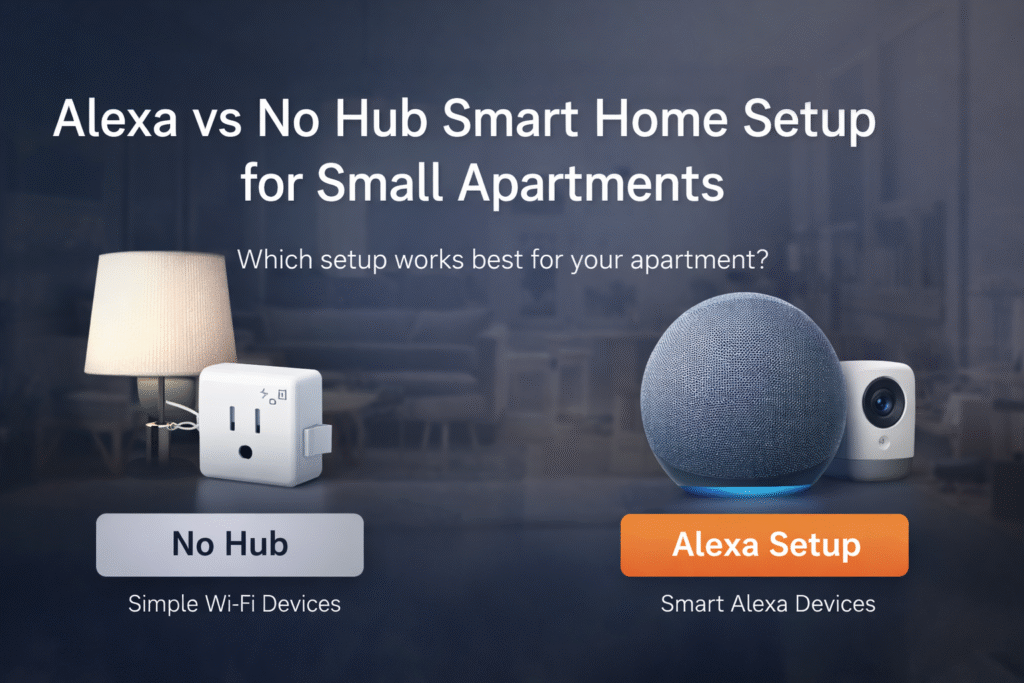
Introduction
Renters often choose Alexa-compatible devices without thinking through space, setup, or lease restrictions—only to end up with cluttered setups, unreliable connections, or gear that’s hard to remove when it’s time to move. That frustration—the risk of damaging walls, wasting money, or building the wrong system—turns what should be a simple upgrade into a stressful decision.
The real question isn’t just Alexa vs no hub—it’s which setup actually fits your apartment and your lifestyle. As highlighted in smart home device security guidance from the Cybersecurity and Infrastructure Security Agency, choosing and securing the right devices matters just as much as how you connect them. A smart setup should be simple, secure, and easy to manage—not something you have to constantly fix or worry about.
This guide breaks down Alexa vs no hub smart home setups in a way that’s practical for small apartments, especially if you’re looking for an Alexa smart home setup without wiring that stays renter-friendly. You’ll see when a simple Wi-Fi setup is enough, when using Alexa as a hub makes sense, and when a full hub system is worth it. Instead of overcomplicating things, you’ll learn how to start small, stay lease-safe, and build a system that works now while leaving room to grow later.
👤 Who This Is For
- Living in a small apartment with limited wall space
- Using Alexa as the primary voice assistant in a rental
- Needing removable, non-damaging installations
- On a modest budget seeking easy, lease-safe setup
- Worried about deposit risk from permanent changes
📑 Table of Contents
- Introduction
- Who This Is For
- Quick Comparison Table
- Decision Shortcut
- FAQs
- Final Verdict
- About the Author
📊 Quick Comparison Table
| Product | Contract Required | DIY Install | Monitoring Option | Best For | Works With Alexa |
|---|---|---|---|---|---|
| Kasa Smart Plug Mini (HS103) | No long-term contract | Yes (removable setup) | Optional monthly plan | Renters planning long-term growth | Yes |
| Amazon Echo (4th Gen) | No long-term contract | Yes (wireless & adhesive) | Optional month-to-month | Quick setup & simple control | Yes |
| Samsung SmartThings Hub (v3) | No long-term contract | Yes (compact & wireless) | Optional low-cost plan | Budget-friendly small apartments | Yes |
The biggest mistake renters make isn’t choosing Alexa or no hub—it’s choosing a setup that doesn’t match how they actually live. Simple setups work best for flexibility, while hub-based systems make more sense when you want consistency and control.
Kasa Smart Plug Mini (HS103)
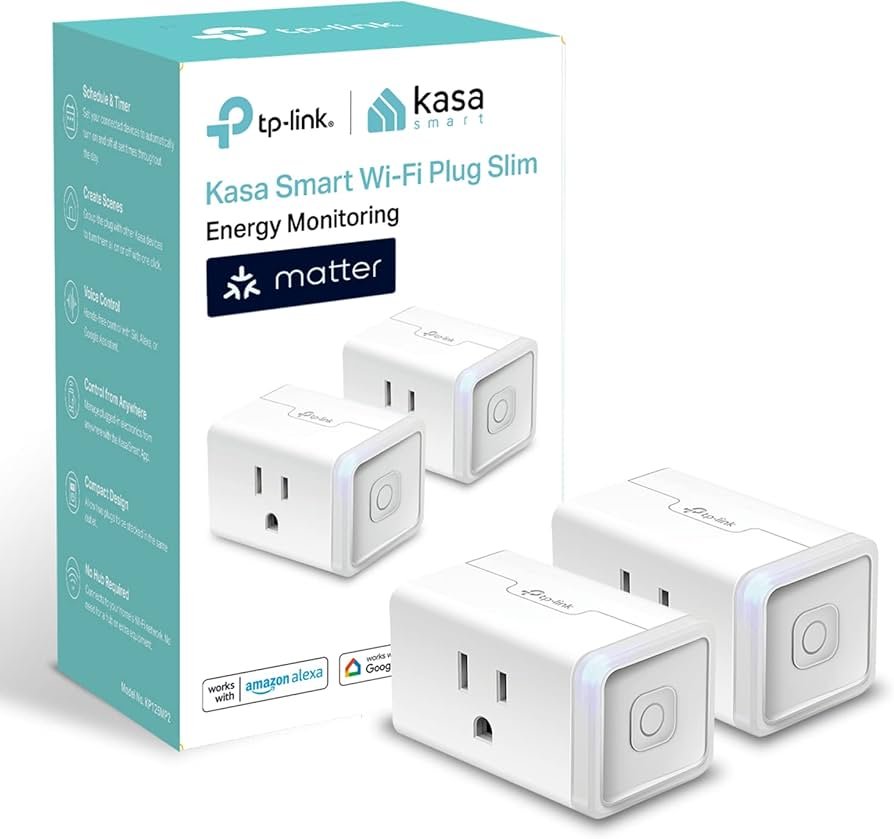
Best For: Renters who want no hub, no complexity
What It Is: A compact smart plug that adds Alexa control to any outlet.
Why Renters Love It: No hub required and it tucks behind lamps or furniture.
Real-Life Scenario: Schedule a lamp to come on before you arrive, no drilling required.
One Limitation: Only offers on/off control, not detailed energy monitoring.
- Compact form fits adjacent outlets
- Works with Alexa via Wi‑Fi
Best if you want the simplest setup with zero extra hardware
Amazon Echo (4th Gen)
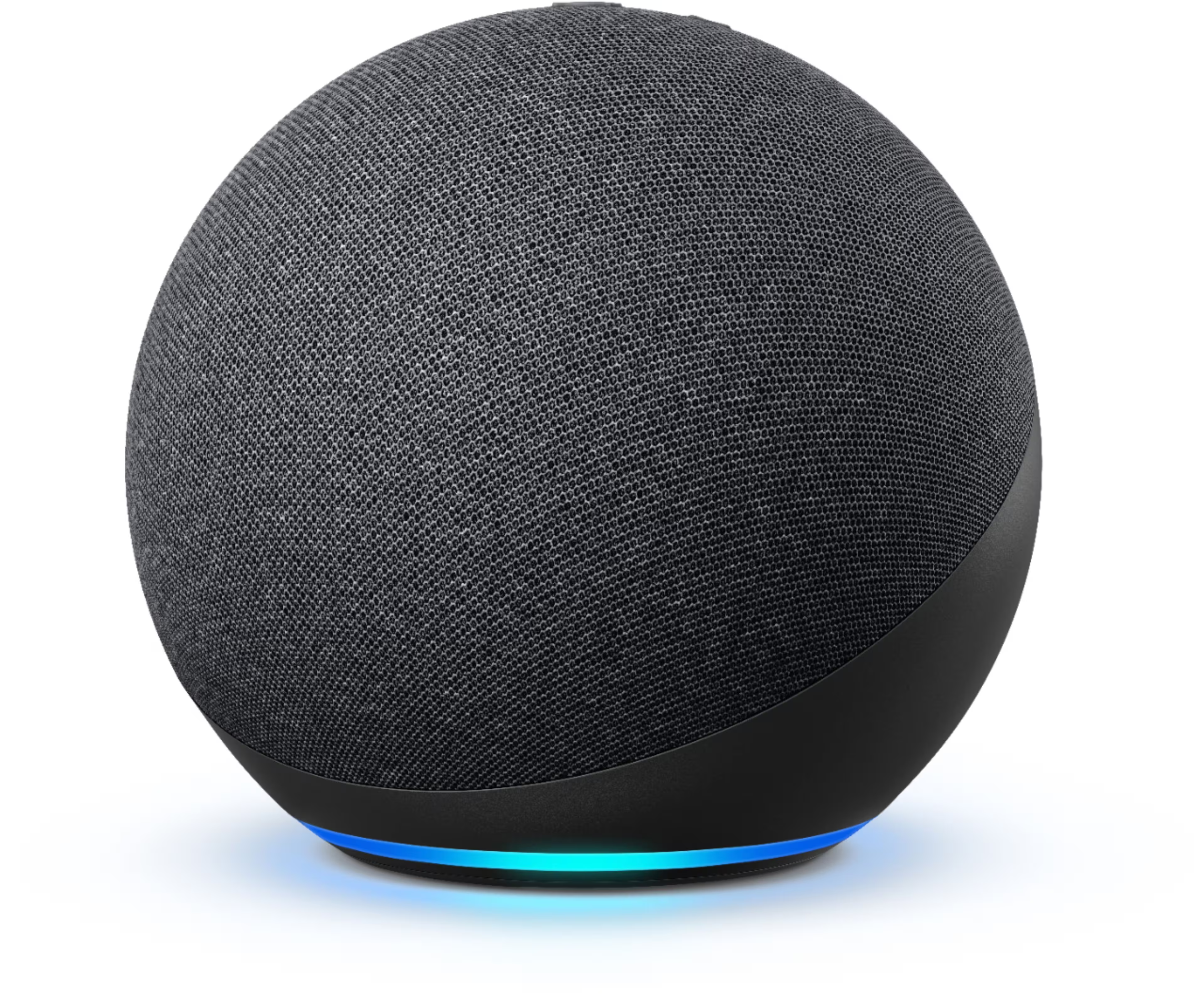
Best For: Renters who want Alexa + hub in one device
What It Is: A smart speaker with a built-in Zigbee hub and Alexa voice control.
Why Renters Love It: Combines assistant and hub without extra hardware or wall mounts.
Real-Life Scenario: Use voice to control lights and run routines while saving space.
One Limitation: Larger footprint than minimal smart plugs.
- Built-in Zigbee hub
- Full Alexa features
Best choice for most renters who want smart control without complexity
This makes it a strong option for renters who want a simple but expandable system, especially when paired with some of the best Matter smart home devices for beginners.
Samsung SmartThings Hub (v3)
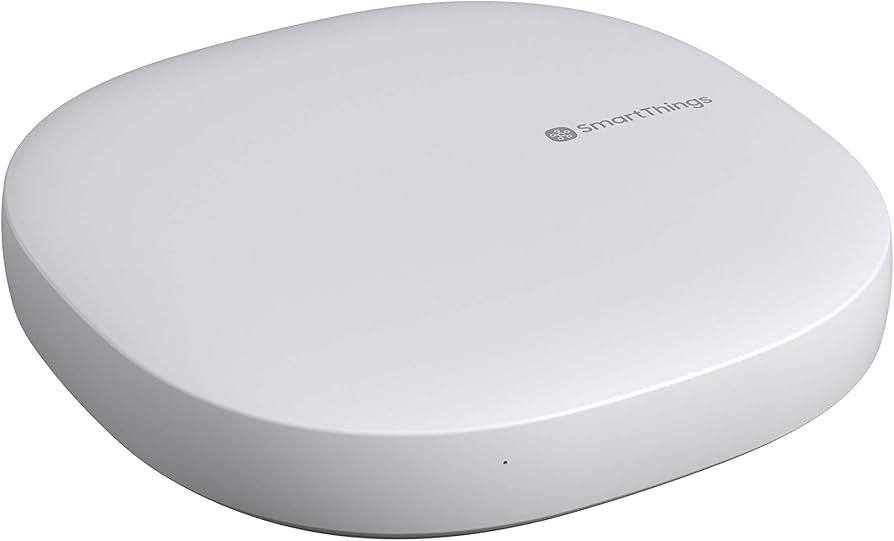
Best For: Renters who want full automation + flexibility
What It Is: A centralized hub that links many device protocols into one ecosystem.
Why Renters Love It: Broad device support and powerful, flexible automations for varied setups.
Real-Life Scenario: Connect sensors and switches for coordinated routines across an apartment.
One Limitation: Setup can be more technical for beginners.
- Supports Zigbee and Z-Wave
- Advanced automation options
Best for advanced users who want full automation and flexibility
Do not choose based on features alone. Basic setup focuses on plug-and-play removability for tight apartments. Growing setup brings a bridge to smooth Alexa reach without permanent changes. Full coverage moves to a centralized hub when you want consolidated control and fewer visible devices, which helps resolve small-space clutter and lease worries.
🎯 Decision Shortcut
Quick renter pick.
- Basic setup: Use plug-and-play Alexa devices with removable mounts.
- Growing setup: Add a compact bridge for more reliable voice control.
- Full coverage: Switch to a centralized hub to consolidate and hide gear.
❓ FAQs
Can I use Alexa without adding a hub?
Yes, Alexa can control many devices directly over Wi‑Fi or Bluetooth. Choose removable, wireless devices to avoid permanent installation and lease issues.
Will Alexa setups hurt my security deposit?
They can if you drill holes or hard-wire equipment. Prefer adhesive mounts, magnetic holders, or freestanding placements to keep your deposit safe.
When should I add a bridge instead of more speakers?
Add a bridge when voice reach or device reliability drops in a small layout. Bridges improve connectivity without adding wall-mounted gear or making permanent changes.
Is a centralized hub overkill for short rentals?
Often yes — hubs suit renters planning to stay longer or consolidate many devices. If mobility matters, favor plug-and-play gear first and keep hub moves reversible.
🏁 Final Verdict
Choosing between Alexa vs no hub smart home setup ultimately comes down to how much control you want versus how simple you need your setup to be. For small apartments, the smartest move is to start simple and stay flexible. A basic no-hub setup with plug-and-play devices gives you reliable control without drilling, wiring, or risking your deposit. It keeps your setup clean, removable, and easy to manage—exactly what most renters actually need.
As your setup grows, the decision becomes less about Alexa vs no hub and more about how much control you want. If you start running into connection limits or want smoother automation, adding an Alexa-enabled hub device like the Echo can give you better performance without overcomplicating your setup. For renters planning to stay longer or build a more advanced system, a full hub becomes worth it—but only when you’re ready for that level of commitment.
If you’re unsure where to begin, focusing on smart home devices for renters that landlords approve can help you avoid common mistakes and build a setup that stays lease-safe from day one.
At the end of the day, the best setup isn’t about having the most features—it’s about having a system that works for your space, your lifestyle, and your lease. The best smart home setup isn’t the one with the most features—it’s the one that fits your space today and doesn’t become a problem when it’s time to move.
👤 About the Author
Craig, Founder of TopRatedByCraig, TopRatedByCraig.com.
Focus on renter-first, lease-safe, scalable smart home security.